Multiple Flowmasters Flowmaster User’s and Service Manual | LBL-000990 [B] 57
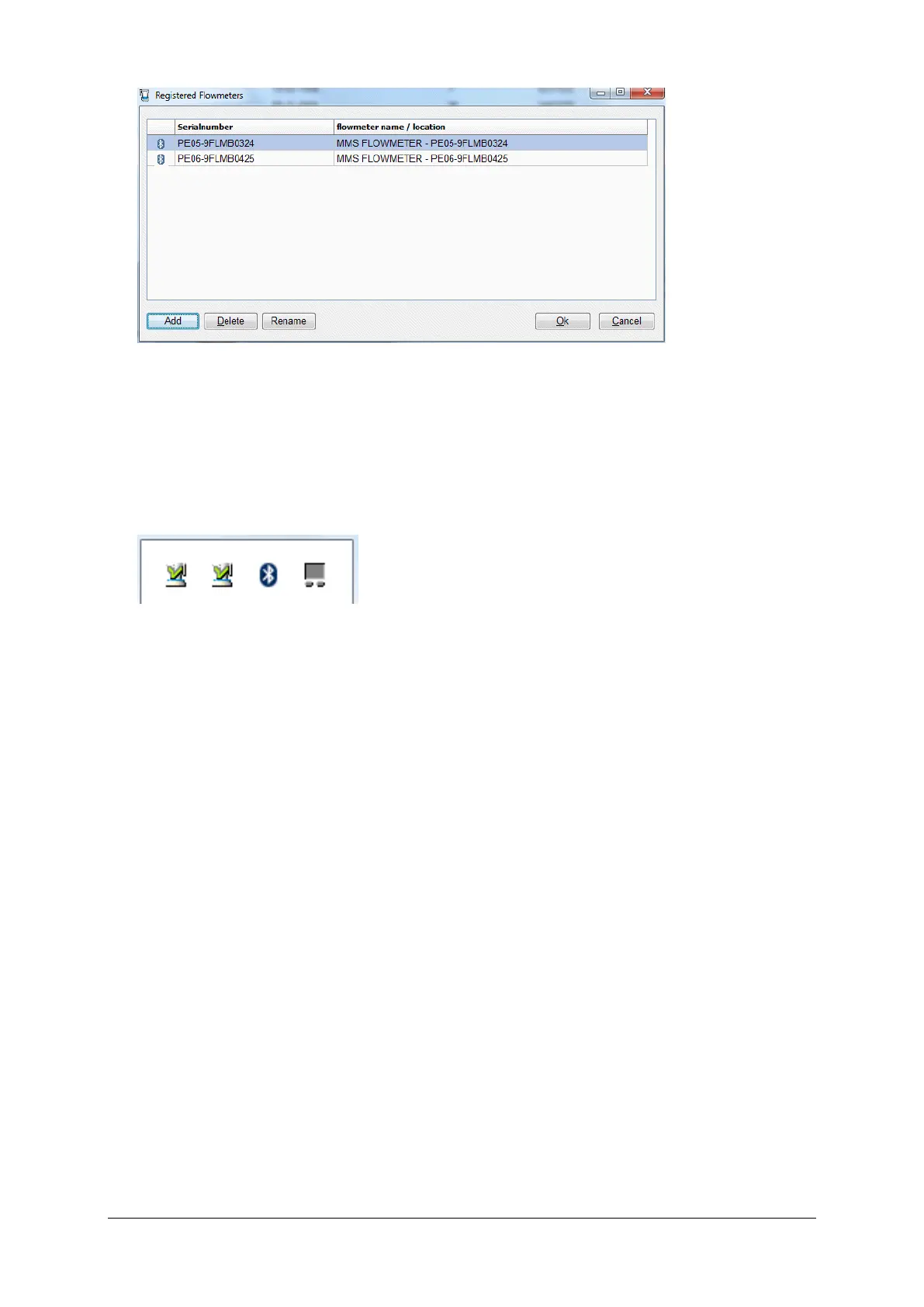
Figure 9.1 Multiple registered flowmeters
▪ Click on the Rename button to give each flowmeter a unique name under
the header flowmeter name / location, for example the number of the
room in which the flowmeter is placed.
▪ Put on each flowmeter a label with that unique name.
Figure 9.2 Multiple flowmeters
▪ In the taskbar, you will see the flow program icons. Put the mouse cursor
on an icon to display the flowmeter name.
9.3 Uroflow Investigation
9.3.1 Introduction
See the information in chapter 3 to determine the best uroflow procedure for
your situation. In the next subparagraphs, the procedures for multiple
Flowmasters is explained.
9.3.2 Uroflow Without Database Program
When using the uroflow procedure without database program, patient
information is added (linked) to the flowmeter recording after the flow has been
done. Therefore, it is important to know which flowmeter has been used by the
patient.



 To Next Page