HIS Import Flowmaster User’s and Service Manual | LBL-000990 [B] 63
10.3 HIS Interface Settings
10.3.1 Introduction
Before the HIS interface can be used, some settings must be made, which will
be descibed in the next paragraphs.
10.3.2 Select HIS Interface Settings
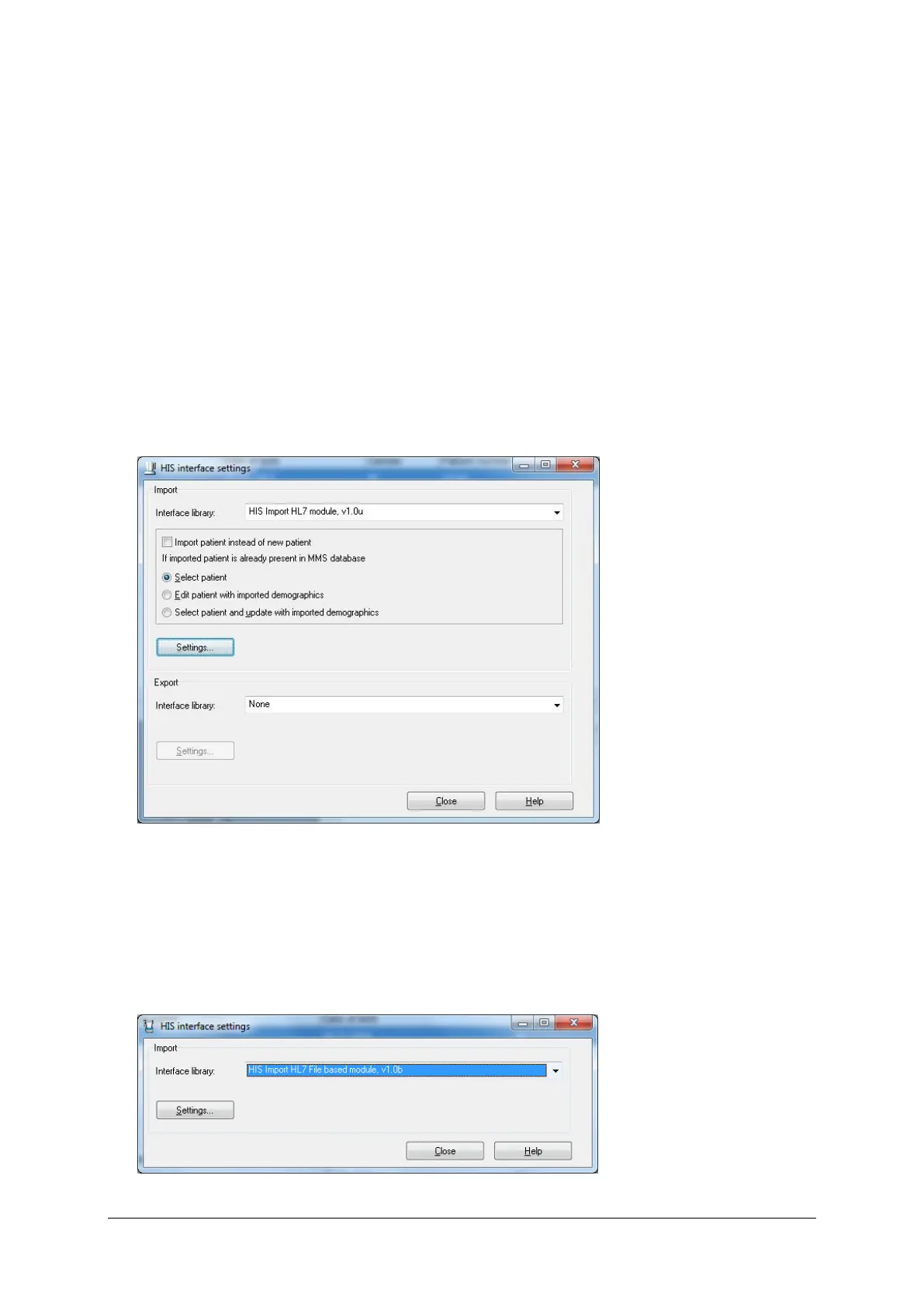
In the database program, choose Settings > HIS interface. The following
window will be displayed.
Figure 10.4 HIS interface settings in database program
The ‘HIS interface settings’ window can also be selected via the Flow program.
Click the Flow program button in the task bar and choose HIS interface. Note
that this dialog window is limited to the selection of the interface library and the
Settings button.
Figure 10.5 HIS interface settings via flow program



 To Next Page