40 Laborie Flowmaster User’s and Service Manual | LBL-000990 [B] Chapter 5
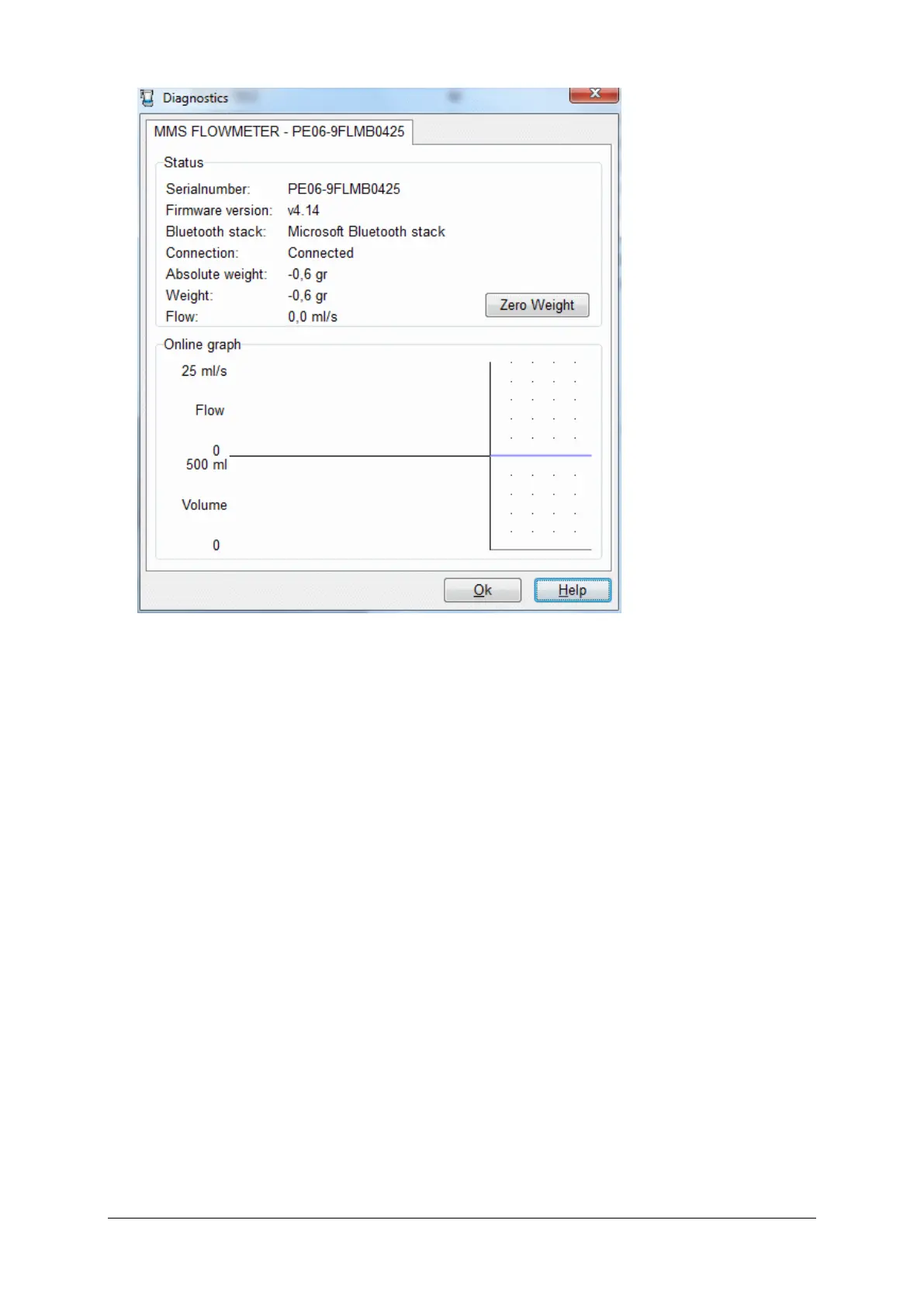
Figure 5.6 Diagnostics
This function shows status information as flowsensor serial number and
firmware version. Via online graph it is possible to test the flowsensor
functioning (display flow and weight values) and to check communication
between flowmeter and computer.
Use objects of 100, 200, 500 and 1000 gram. Click the Zero Weight button
and place the objects on the flowsensor. The measured weight may deviate as
described § 7.4. If you have a device which can simulate a constant flow
(ml/sec), you can check the flow recording.
5.3 Database Program
5.3.1 Start the Database Program
Double-click on the MMS Flowmaster Database button to start the database
program.



 To Next Page