Flowmaster User’s and Service Manual | LBL-000990 [B] 39
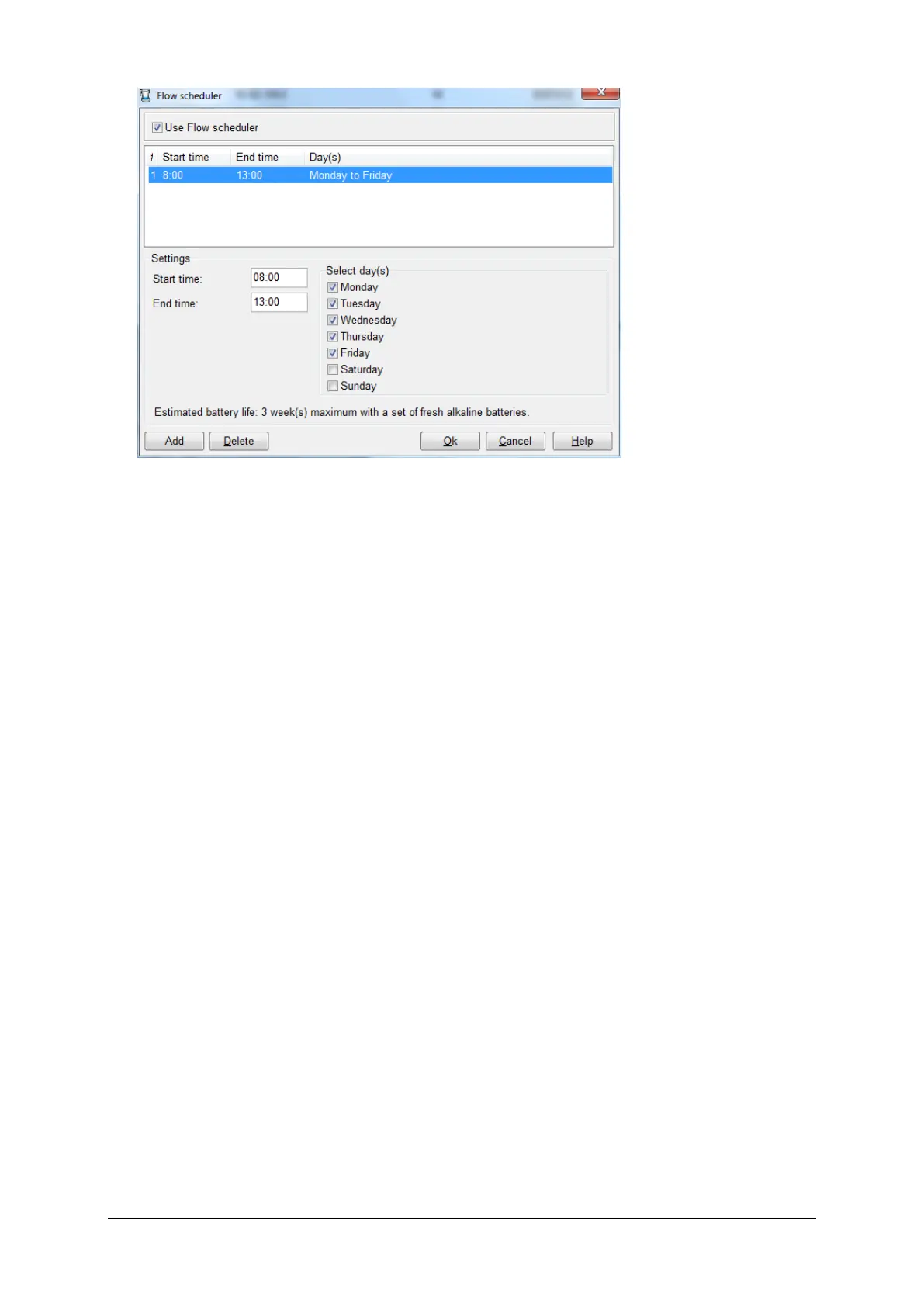
Figure 5.5 Flow scheduler
This time scheduler function helps you to save battery lifetime; the estimated
battery life is displayed in the window above. Click on the Add button to define
a new start and end time for one or more days. To delete one time, you must
select the line and click on the Delete button. The flowmeter always must be
on, the moment that the computer is on, you must un-check the box Use Flow
scheduler.
How to ignore the flow scheduler?
When the flowmeter is off because of the flow scheduler settings, just select
Flowmeter on via the flow program menu to switch on the flowmeter.
5.2.5 Diagnostics
Select Diagnostics in the flow program to show status information and to test
the flowmeter.



 To Next Page