62 Flowmaster User’s and Service Manual | LBL-000990 [B] Chapter 10
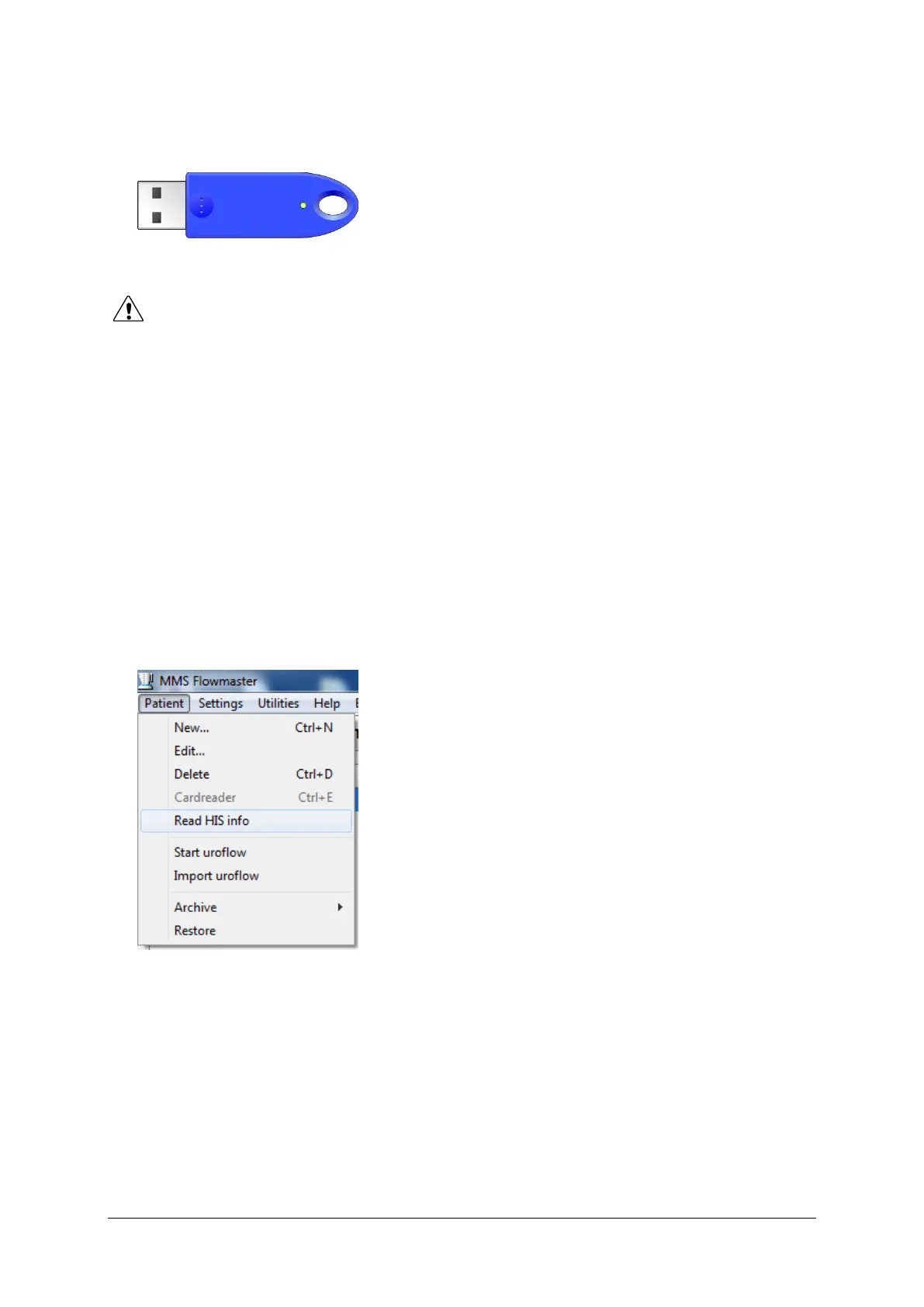
• USB key with HIS interface option included. The USB key is supplied to
activate the HIS interface.
Figure 10.2 USB key
The procedure is as follows:
▪ Insert the USB or CD-ROM in the drive of the computer and install the
Laborie Flowmaster software as described in § 2.4.
▪ Restart the computer.
▪ Connect the USB key to one of the USB ports (input) on the computer.
▪ Windows will detect new hardware and installation is ready. The HIS
interface functions will be enabled in the Flowmaster software.
▪ Start the Flowmaster database program by clicking on the Flowmaster
database button on the desktop. Choose Patient and check if Read HIS
info is available in the menu.
Figure 10.3 Read HIS info
For more information about this function, see § 10.4.3.



 To Next Page