Uroflow Investigation Flowmaster User’s and Service Manual | LBL-000990 [B]. 27
▪ Recording stops automatically when the post flow time elapsed after the
last flow detection. It is also possible to click on the Stop and save button.
Patient information and uroflow results have been saved in the database
program.
▪ In the investigation protocol, you can define that the uroflow report will be
printed automatically, that a print preview is shown first, or that the report is
saved as PDF and/or JPG document. See § 5.2.3 for more information
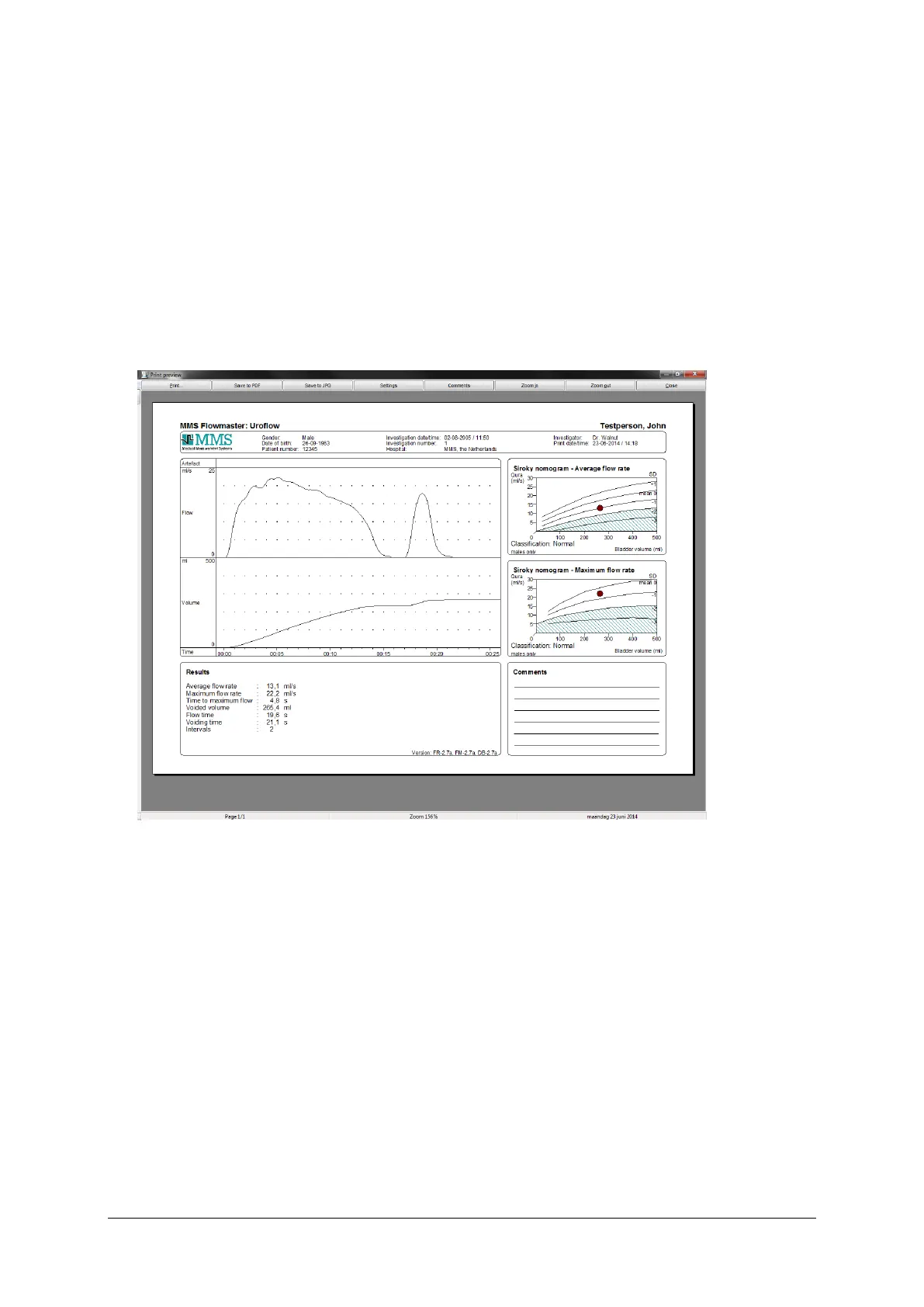
about the protocol settings. Below you will see an example of a print
preview.
Figure 3.8 Print preview window
▪ Click on the Print button to print the uroflow report. It is off course always
possible to re-print the uroflow report via the database program.



 To Next Page