HIS Import Flowmaster User’s and Service Manual | LBL-000990 [B] 67
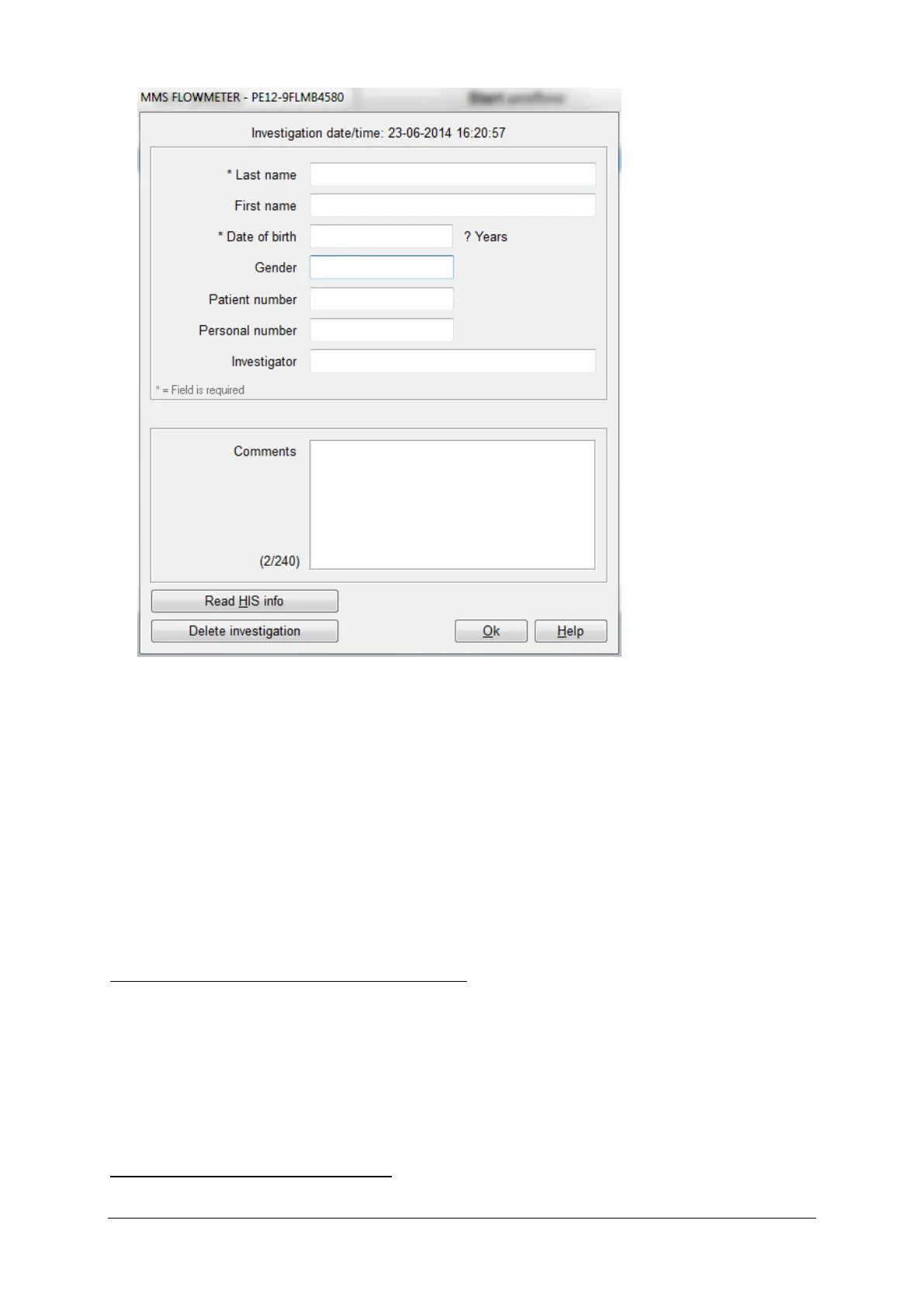
Figure 10.8 Enter patient information after automatic flow
▪ Click the Read HIS info button. You will be prompted for the search
paramaters that have been selected, for example the Patient ID.
▪ Enter the Patient ID (or in some cases you can select from a dropdown list)
and click the OK button. The Flowmaster database will request the patient
demographics from the server.
▪ When the patient is found and the demographics have been retrieved, they
are automatically filled in. Click the OK button to save the investigation with
the patient.
When the patient is not found in the HIS
When the patient is not found in the HIS after entering the patient ID, the
message ‘patient is not found in the database’ will be displayed. Click OK to
return to the window in which the patient information can be entered. The
patient demographics cannot be retrieved from the HIS and must be entered
manually.
When the patient already exists



 To Next Page