EN
Video Mode
149
AF SETTINGS
ISO SENSITIVITY
Specifi es the sensitivity of contrast metering.
Factory setting:
00
▸ Select FocusingFocusing in the main menu
▸ Select
AF SetupAF Setup
▸ Select AF SensitivityAF Sensitivity
▸ Select the desired setting
(
-3-3, -2-2, -1-1, 00, +1+1, +2+2, +3+3)
SPEED
Where objects are not as fast-moving, it is advisable to set AF
Speed to a slightly lower value. This will prevent overly abrupt focus
changes. For very fast-moving objects, a high setting will guarantee
a correct focus.
Factory setting:
00
▸ Select FocusingFocusing in the main menu
▸ Select
AF SetupAF Setup
▸ Select AF SpeedAF Speed
▸ Select the desired setting
(
-5-5, -4-4, -3-3, -2-2, -1-1, 00, +1+1, +2+2, +3+3, +4+4, +5+5)
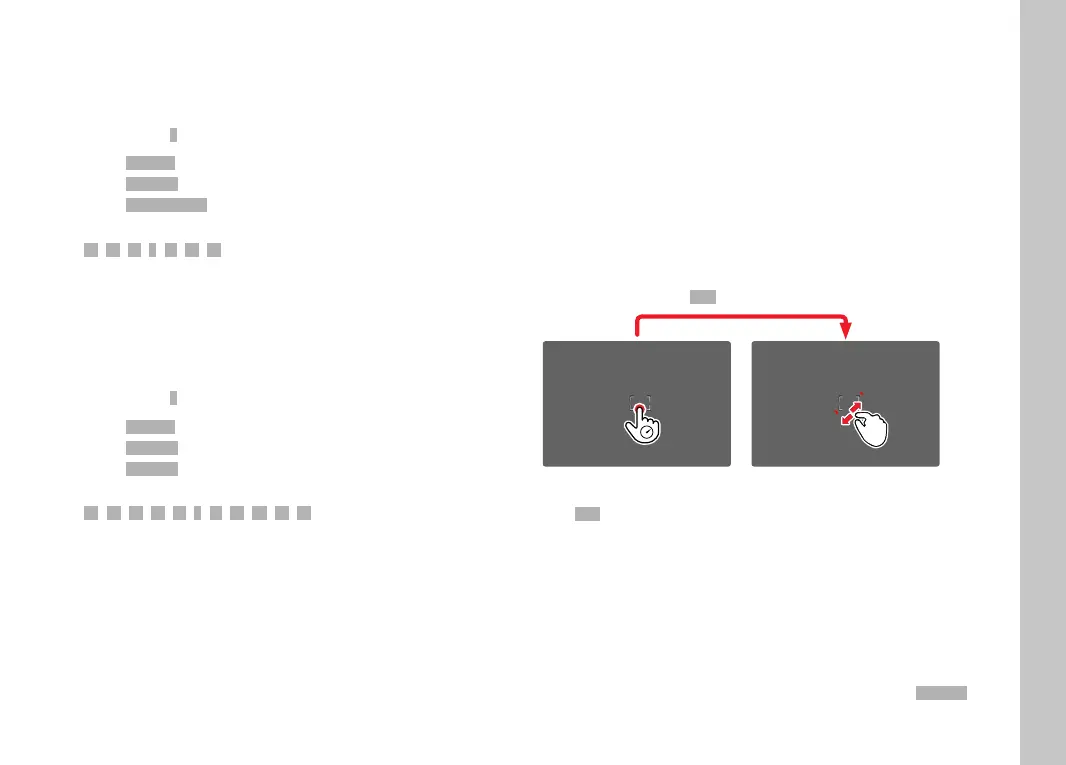
AF QUICK SETTING
AF Quick Setting off ers the following functions:
– quick switches of the AF metering methods
– Adjusting the metering fi eld size during fi eld metering
The viewfi nder image remains visible continuously during setting
adjustments.
ACCESSING AF QUICK SETTING
▸ Touch and hold the LCD panel
• All auxiliary displays are hidden.
• Red triangles appear at two corners of the metering fi eld if the
metering method
FieldField is set.
ADJUSTING THE METERING FIELD SIZE
(only
FieldField)
▸ Turn the thumbwheel
or
▸ Pinch or spread
• The size of the AF-metering fi eld is adjustable in 3 incre-
ments.
Note
• AF Quick Setting can only be accessed if the function
Touch AFTouch AF is
active (see p.78).



 To Next Page