Camera operation
EN
46
CAMERA OPERATION
CONTROL ELEMENTS
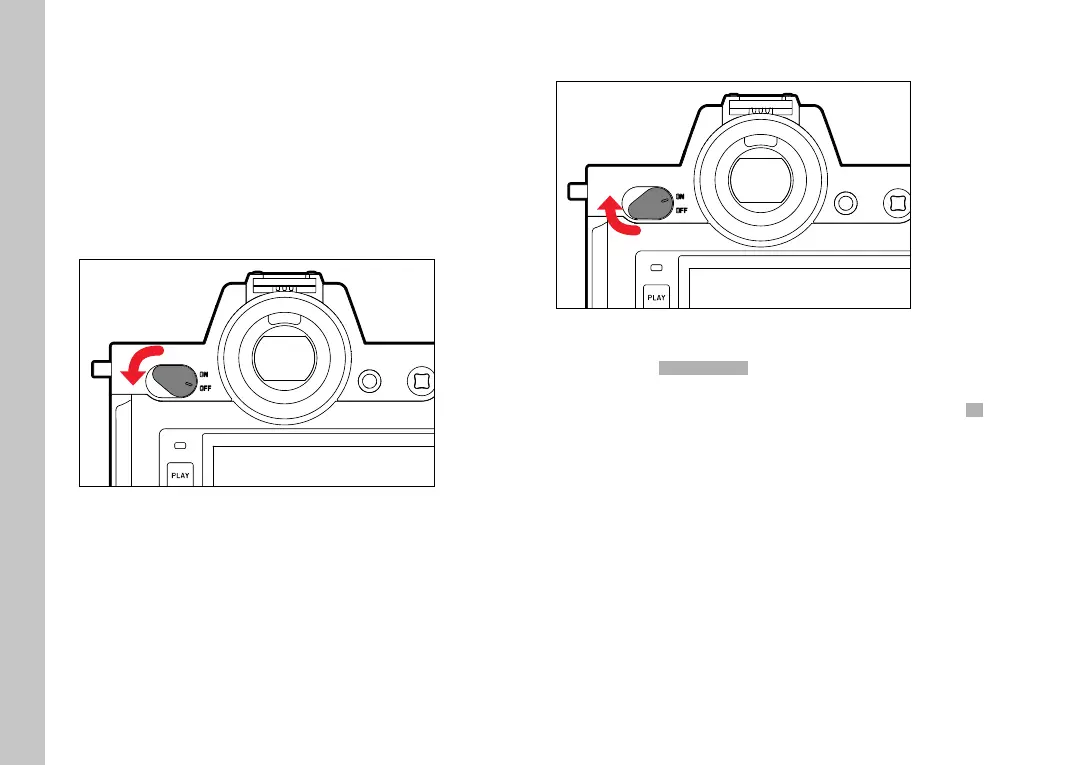
MAIN SWITCH
The main switch switches the camera on and off .
SWITCHING THE CAMERA ON
Notes
• Once switched on, the camera will be ready to use after approx.
1s.
• Displays in the viewfi nder appear
SWITCHING THE CAMERA OFF
Note
• The function
Auto Power OffAuto Power Off (see p.72) deactivates the camera
automatically if no operation occurs within a preset time. Use
the main switch to deactivate the camera if this function is
OffOff to
prevent inadvertent exposures and battery discharge when the
camera is not in use.



 To Next Page