Playback/Review mode
EN
176
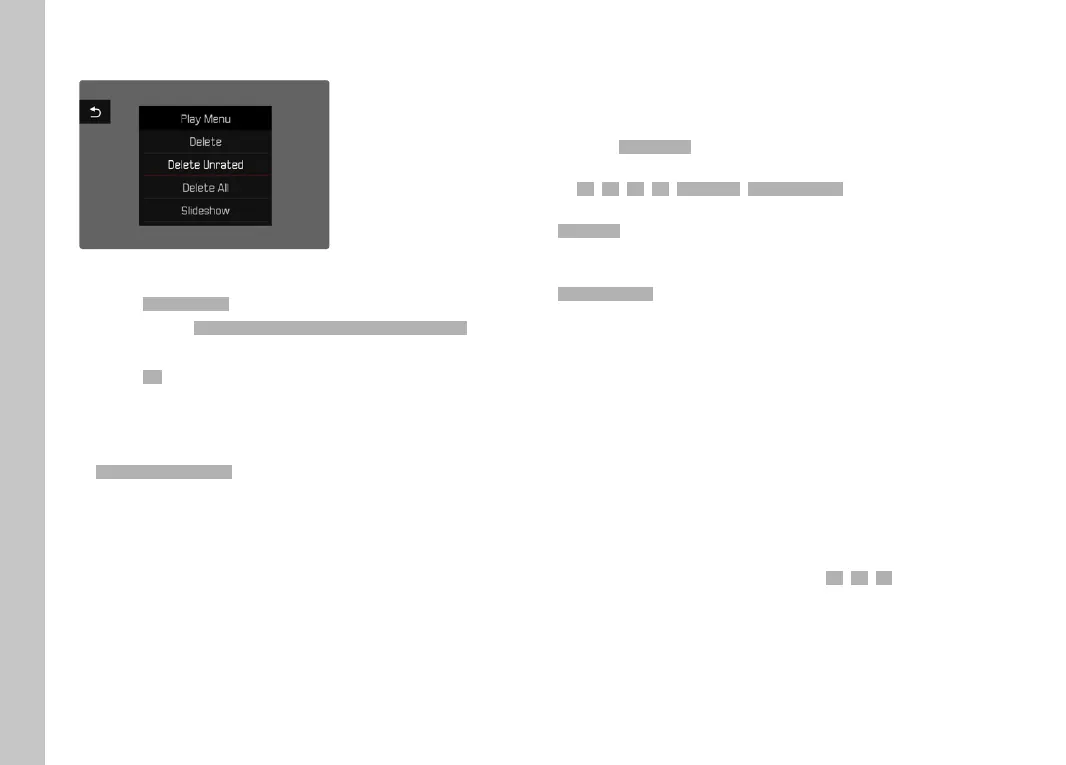
DELETING UNRATED RECORDINGS
▸ Press the MENU button
▸ Select
Delete unratedDelete unrated in the Review menu
• The prompt
Do you really want to delete all not rated files?Do you really want to delete all not rated files?
appears.
▸ Select
YesYes
Note
• The LED will fl ash during the deletion process. The next marked
recording appears once deletion is complete. The message
No valid picture to play.No valid picture to play. appears if no other recordings are saved on
the card.
PREVIEW OF LATEST RECORDING
Photo recordings can be displayed automatically directly after they
are taken to e.g. check the success of the recording quickly and
easily. A duration for the automatic display can be confi gured.
▸ Select
Auto ReviewAuto Review in the main menu
▸ Select the desired function or duration
(
OffOff, 1 s1 s, 3 s3 s, 5 s5 s, PermanentPermanent, Shutter pressedShutter pressed)
PermanentPermanent: The most recent recording is displayed until automatic
review is ended by pressing the
PLAY button or by tapping the
shutter button.
Shutter pressedShutter pressed: The most recent recording is displayed for as long
as the shutter button is pressed down.
Notes
• Various control elements change back to regular Review mode
to execute their normal functions while automatic review is
selected. The camera will remain in Review mode until it is
exited.
• Tagging and deleting can only be done in regular Review mode
and not during automatic review.
• When pictures were taken with the functions Serial exposures or
Interval shooting, then the last image in the series will be
displayed or – if the save process is still incomplete – the last
image in the series saved to the memory card.
• Where display times were confi gured (
1 s1 s, 3 s3 s, 5 s5 s) automatic
review can be ended immediately by pressing the
PLAY button
or tapping the shutter button.



 To Next Page