Camera basic settings
EN
74
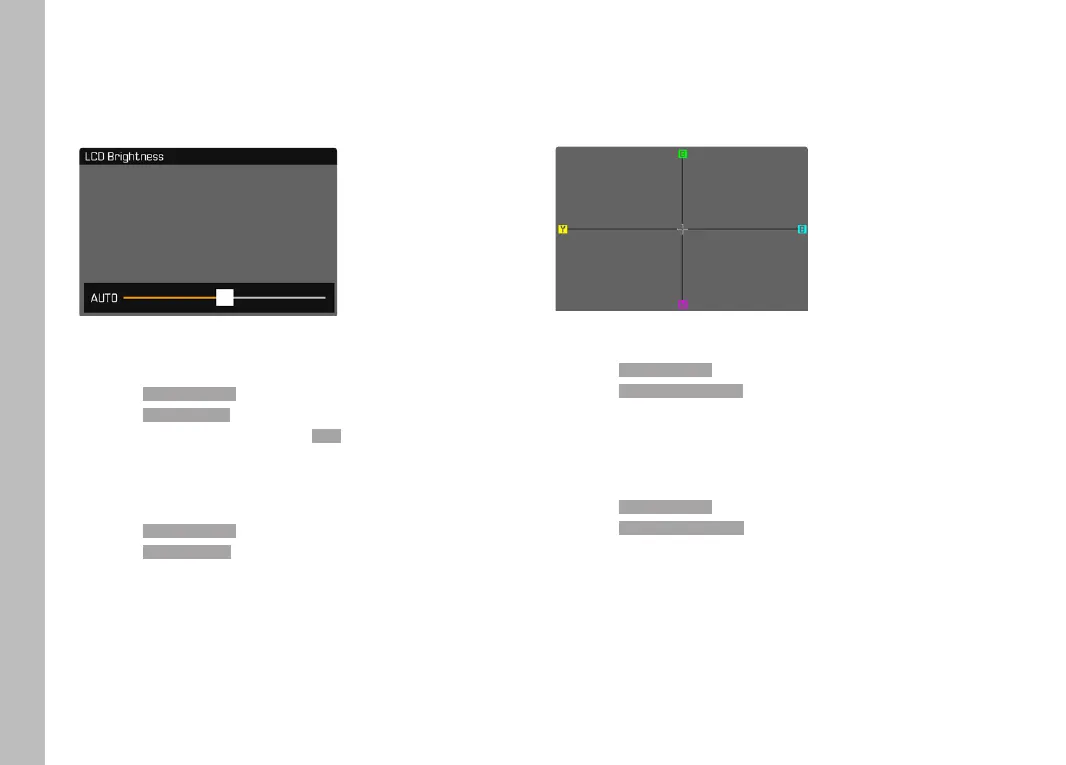
BRIGHTNESS
You can adjust brightness for best visibility in various lighting
conditions. Brightness is set individually for the LCD panel and the
viewfinder. Selection occurs via key control or touch control.
LCD PANEL
▸ Select Display SettingsDisplay Settings in the main menu
▸ Select LCD BrightnessLCD Brightness
▸ Select the desired brightness of AutoAuto
▸ Confirm selection
EVF
▸ Select Display SettingsDisplay Settings in the main menu
▸ Select EVF BrightnessEVF Brightness
▸ Look through the viewfinder
▸ Select the desired brightness
▸ Confirm selection
COLOR RENDERING
Color rendering can also be adjusted. Brightness is set individually
for the LCD panel and the viewfinder. Selection occurs via key
control or touch control.
LCD PANEL
▸ Select Display SettingsDisplay Settings in the main menu
▸ Select LCD Color AdjustmentLCD Color Adjustment
▸ Select the desired color setting
▸ Confirm selection
EVF
▸ Select Display SettingsDisplay Settings in the main menu
▸ Select EVF Color AdjustmentEVF Color Adjustment
▸ Look through the viewfinder
▸ Select the desired color setting
▸ Confirm selection



 To Next Page