EN
Camera operation
61
SELECTING A BUTTON (ICON/FUNCTION BUTTON)
Using button control
▸ Press the joystick in the relevant direction
• The currently active button will be highlighted.
▸ Press the joystick/thumbwheel
or
▸ Turn the thumbwheel
• The currently active button will be highlighted.
• There will be an automatic jump to the next/previous line
when the end/beginning of the line is reached.
▸ Press the joystick/thumbwheel
Using touch control
▸ Press the button of your choice
SAVE
▸ Select button D
CANCEL
▸ Select button E
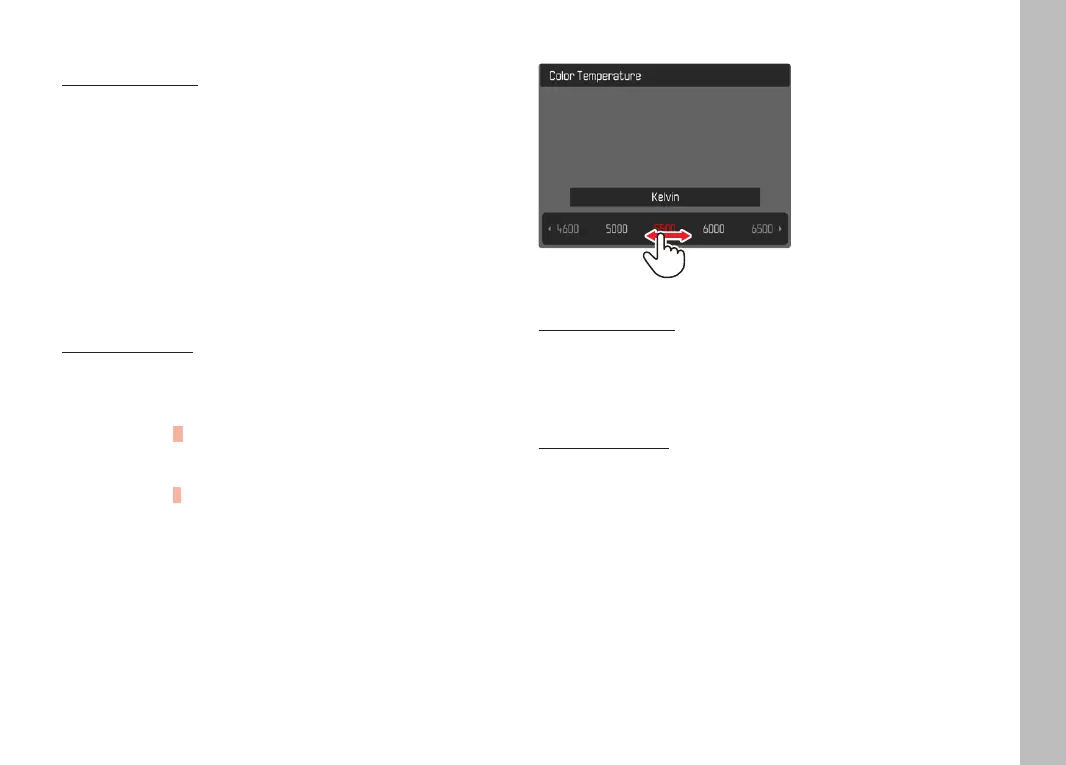
MENU BAR
Using button control
▸ Press the joystick left/right
or
▸ Turn the thumbwheel
Using touch control
▸ Select the desired function directly or swipe
Notes
• The currently active setting displayed in the center is highlighted
in red.
• The set value is displayed above the scale/below the menu bar.
• The following applies for direct access: The selected function
requires no additional confirmation and will be active immediately.



 To Next Page