Leica FOTOS
EN
194
LEICA FOTOS
The camera can be controlled remotely using a smartphone/tablet
PC. This will require an installation of the Leica FOTOS app on the
mobile device.
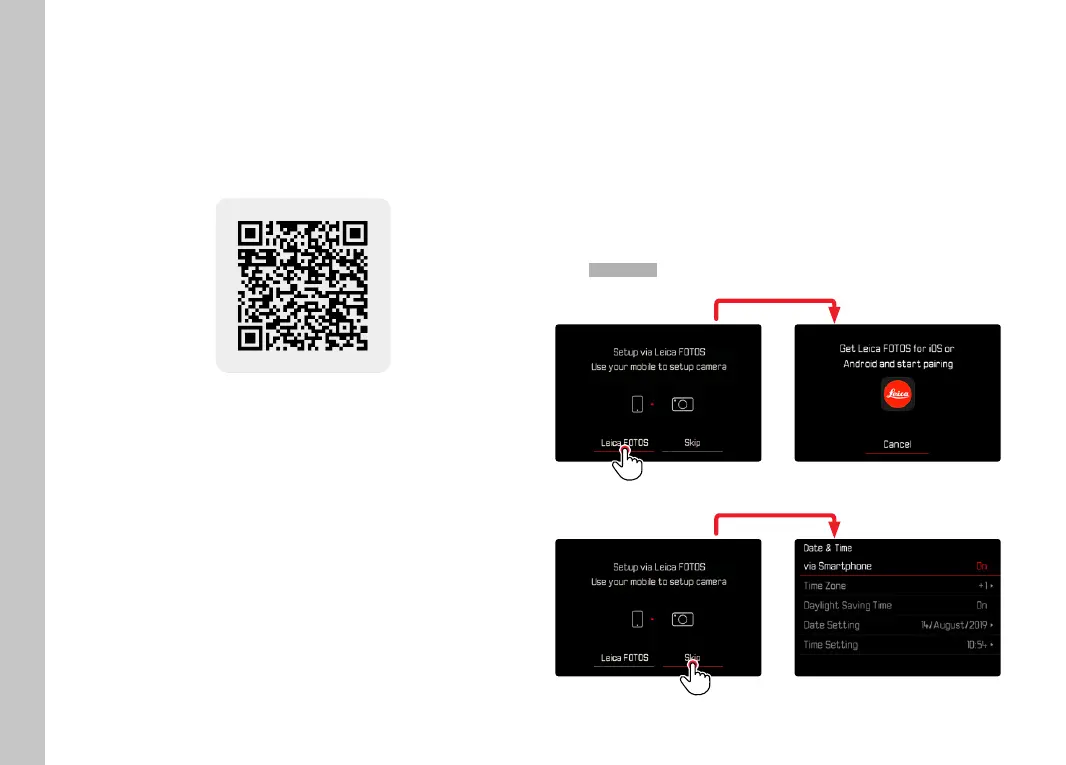
▸ Scan the following QR code with the mobile device
or
▸ The app is available from Apple App Store™/Google Play Store™
CONNECTION
FIRST-TIME CONNECTION TO A MOBILE DEVICE
The connection is established via Bluetooth. A pairing of the
camera and the mobile device is required for a fi rst-time connec-
tion to a mobile device.
CONNECTION WIZARD
The connection wizard appears at initial startup of the camera or
after a camera reset. These settings are also available via the menu
item
Leica FOTOSLeica FOTOS.



 To Next Page