Playback/Review mode
EN
170
CROPPED SECTION ZOOM
You can zoom in to any section of an image for closer inspection.
Zooming via the front setting wheel is done in four increments;
zooming is stepless via touch control.
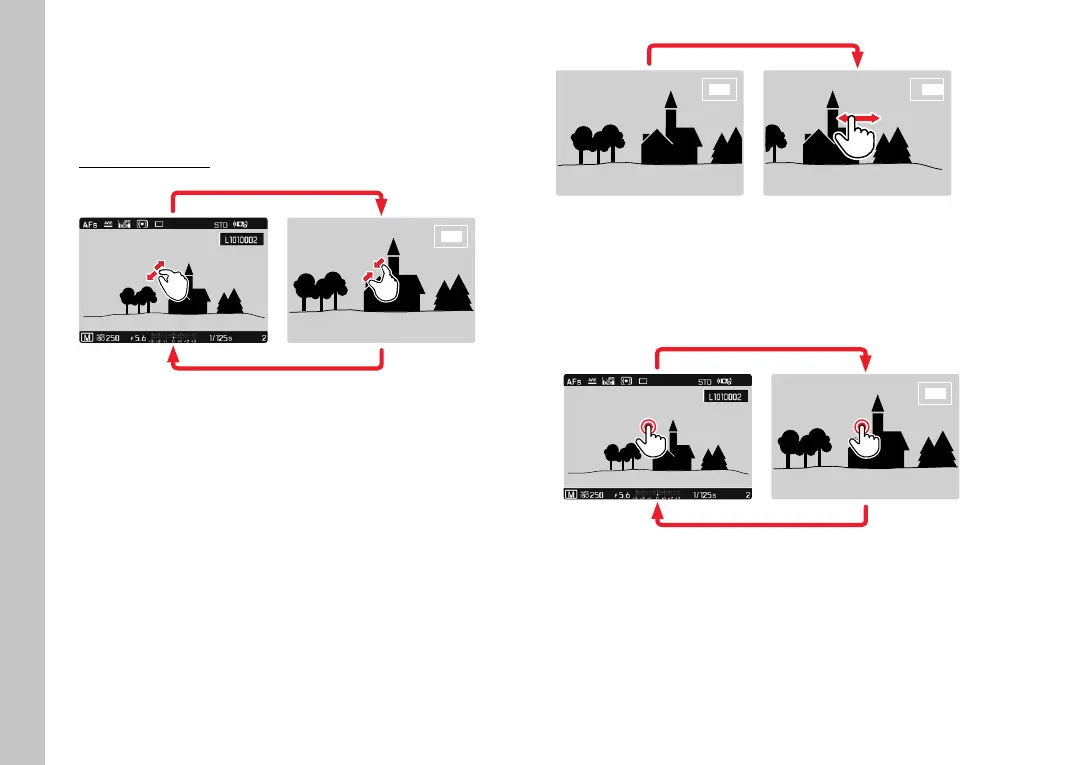
Using touch control
▸ Two-fi nger pinch/spread
• The central cropped section of the picture is enlarged.
▸ Swiping will allow you to move the position of an enlarged
cropped section
• The rectangle within the frame at the top right represents the
current magnifi cation, as well as its position in the displayed
cropped section.
▸ Double tap
• Toggles between max. zoom at the tap position and full
screen view.



 To Next Page