EN
Recording - Basic settings (picture)
87
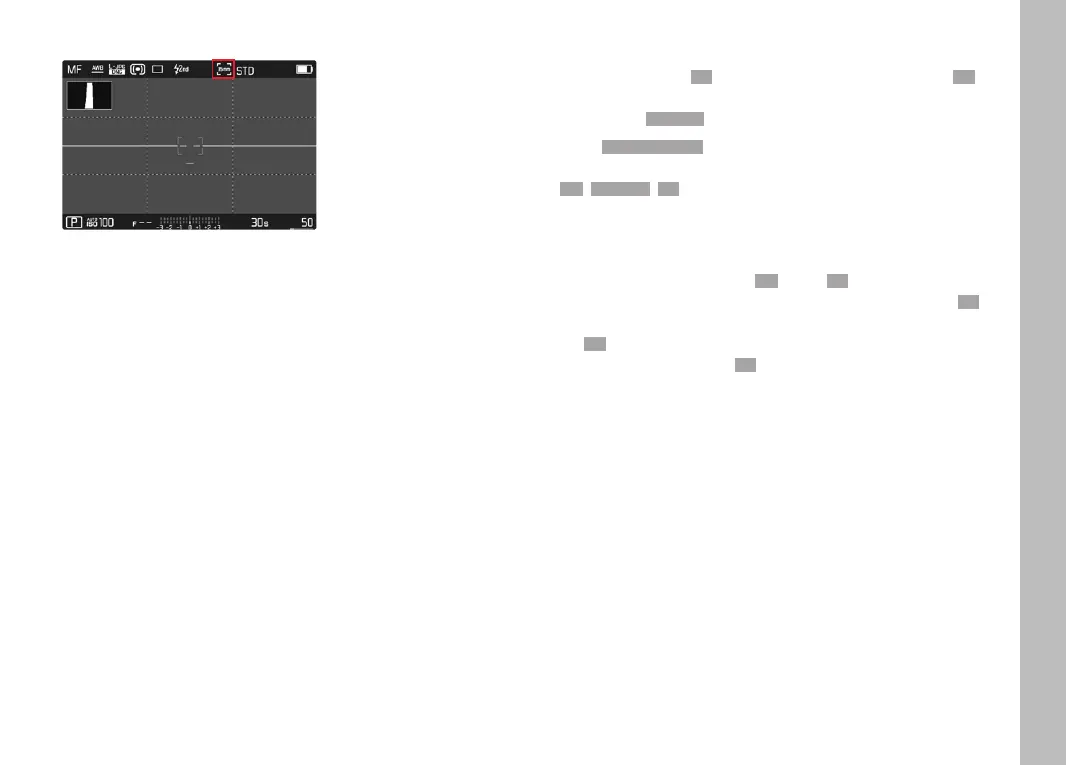
The set sensor format is shown in the header line.
Note
• The setting switches automatically to APS-C when an
APS-C-specific lens is mounted.
FILE FORMAT
Choose the JPG format JPGJPG or the standardized raw data format DNGDNG
(= digital negative). These can be used individually or simultaneously.
Factory setting: DNG + JPGDNG + JPG
▸ Select Photo File FormatPhoto File Format in the main menu
▸ Select a value
(DNGDNG, DNG + JPGDNG + JPG, JPGJPG)
Notes
• The standardized DNG (Digital Negative) format is generally used
for the storage of raw data.
• When picture data is saved in DNGDNG and in JPGJPG format simultane-
ously, then the camera will use the resolution setting for the JPGJPG
format is used for the JPG file.
• The DNGDNG format always works with the highest available
resolution, no matter what JPGJPG setting is selected.
• The remaining number of pictures shown in the LCD panel will
not necessarily change after every picture taken. A counter
change depends on the subject; very fine image structures
result in higher data quantities, while homogeneous surfaces
mean less data.



 To Next Page