Recording - Basic settings (picture)
EN
90
CUSTOMIZING PHOTO PROFILES
Additionally, you can adjust the values for contrast, sharpness and
saturation (saturation only for color pictures) for each profile
separately.
▸ Select JPG SettingsJPG Settings in the main menu
▸ Select Film StyleFilm Style
▸ Select Film Style SettingsFilm Style Settings
▸ Select a profile
▸ ContrastContrast, SharpnessSharpness, SaturationSaturation
▸ Select the desired level
MEMORY CARD MANAGEMENT
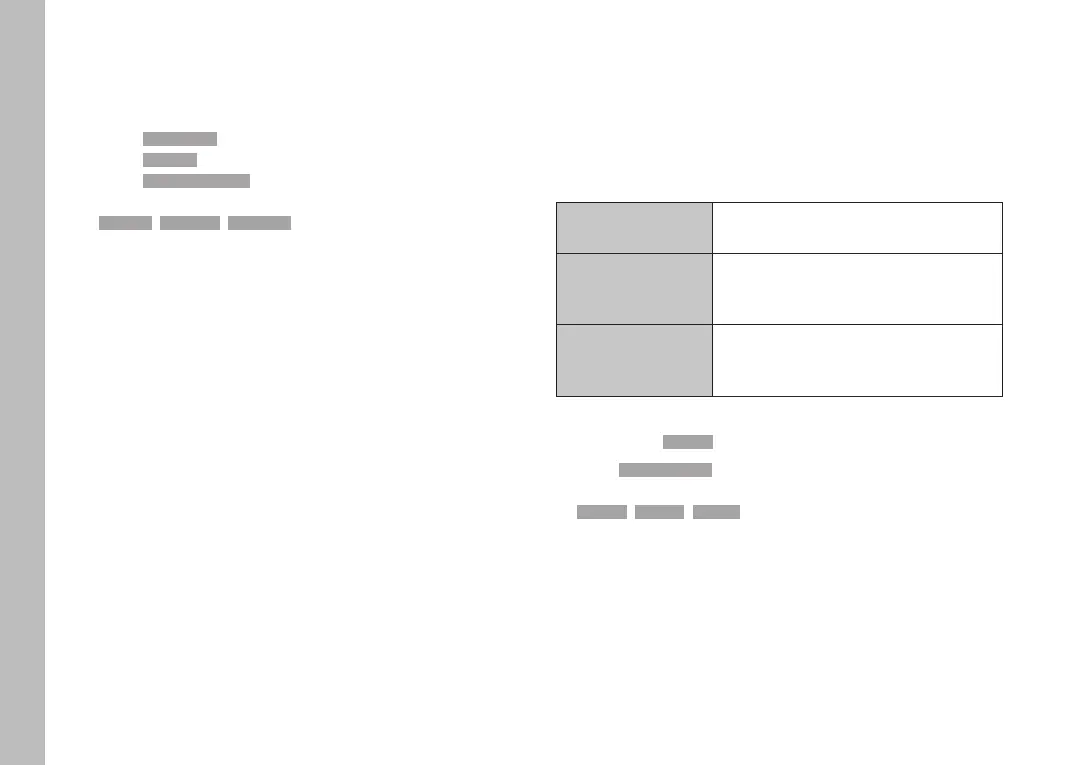
There are a number of options for saving data when two memory
cards are inserted.
– DNG+JPG on SD1=SD2 (Backup)
– DNG+JPG on SD1+SD2 (Standard)
– DNG on SD1 / JPG on SD2 (Split)
SD1=SD2
(Backup)
All files are saved to SD1 and SD2. One
of the cards therefore serves as backup.
SD1+SD2
(Standard)
Files are saved to SD1 first, until its
capacity is reached. Subsequent files will
then be saved to SD2.
SD1/SD2
(Split)
Files are saved separately depending on
their format: JPG files are saved to SD1
and DNG files to SD2.
An icon in the status screen denotes the selected setting.
Factory setting: SD1+SD2SD1+SD2
▸ Select Storage OptionsStorage Options in the main menu
▸ Select the desired setting
(SD1=SD2SD1=SD2, SD1+SD2SD1+SD2, SD1/SD2SD1/SD2)



 To Next Page