EN
Recording - Basic settings (picture & video)
83
ISO SENSITIVITY
The sensitivity can be additionally adjusted. This setting will apply
for all info profiles.
Factory setting: LowLow
▸ Select FocusingFocusing in the main menu
▸ Select Focus AssistFocus Assist
▸ Select Peaking SensitivityPeaking Sensitivity
▸ Select the desired setting
(LowLow, HighHigh)
Note
• Focus peaking is based on subject contrast, i.e. differences
between light and dark. As a result, high contrast subject parts
could be marked, even if they are not completely in focus.
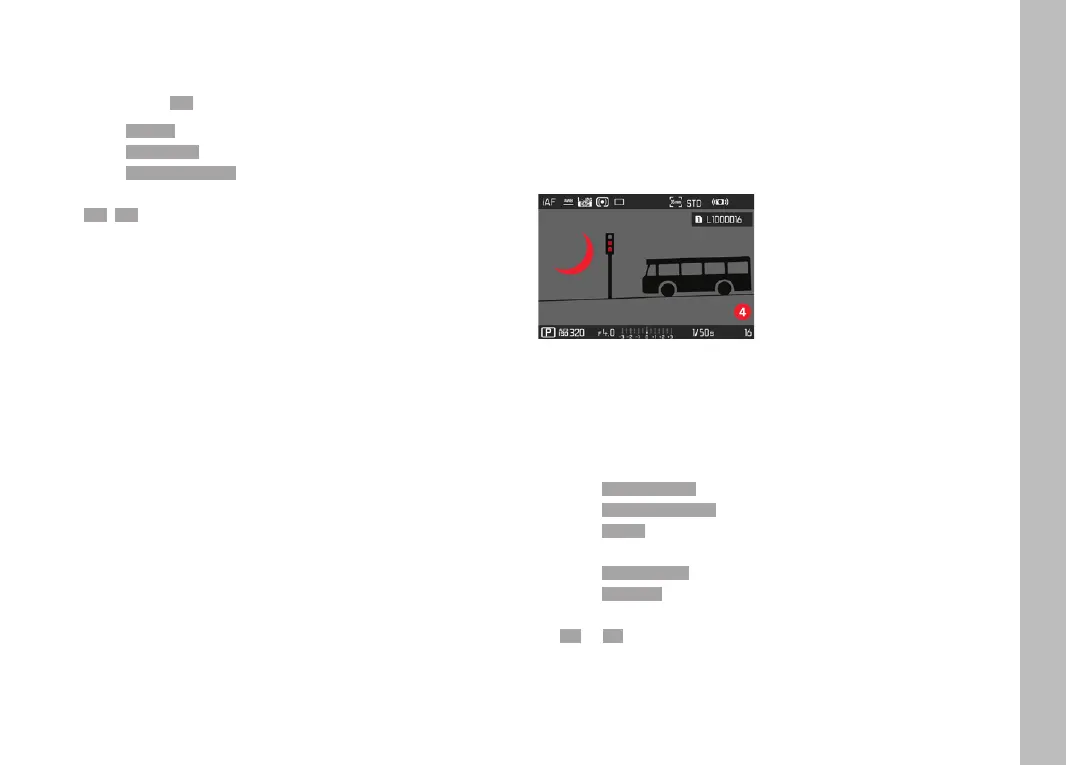
CLIPPING/ZEBRA
The Clipping/Zebra display marks very bright image areas. This
function is a very easy and exact tool for checking the correct
exposure setting. The two displays differ as follows:
– In picture mode: Clipping (flashes black)
– In video mode: Zebra (black/white striped pattern)
SETTING THE LIMIT VALUE
You can set a threshold value for these displays, i.e. define a value
at what degree of overexposure they will appear, so that you can
adjust these displays to specific conditions or in line with your own
composition ideas.
▸ Select Camera SettingsCamera Settings in the main menu
▸ Select Capture AssistantsCapture Assistants
▸ Select SettingSetting
▸ Select a profile
▸ Select Clipping / ZebraClipping / Zebra
▸ Select Upper limitUpper limit
▸ Select the desired value
(200200 to 255255)


 To Next Page