EN
Camera operation
49
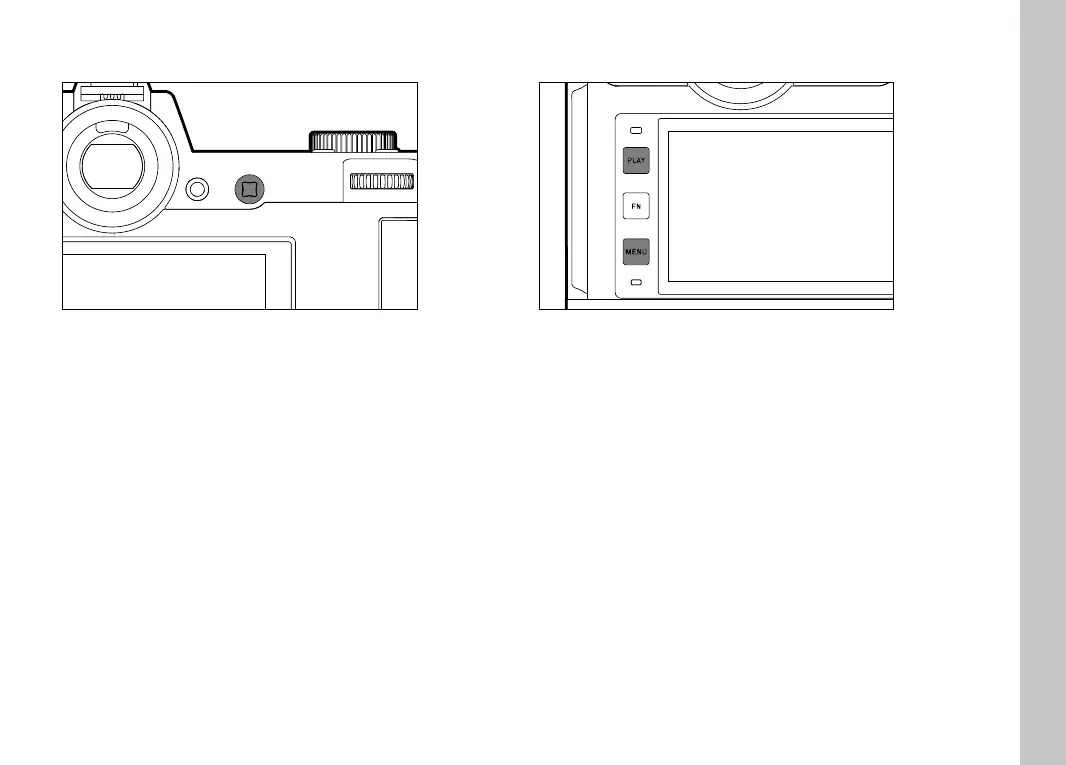
JOYSTICK
– Menu navigation
– Accessing the submenu
– Applying menu settings
– Setting selected menu items/functions
– Scrolling through the picture memory
– Shifting the metering fi eld (Field or Spot AF)
– Exposure lock
– Playback of video recordings
– Confi rming the prompts
PLAY BUTTON/MENU BUTTON
PLAY BUTTON
– Activation and deactivation of the (continuous) review/playback
mode
– Return to full-screen display
MENU BUTTON
– Accessing the menu (incl. status screen)
– Accessing the Playback/Review menu
– Exiting the currently displayed (sub) menu



 To Next Page