EN
Playback/Review mode
175
Any number of recordings can be selected in this view.
Selecting recordings for deletion
▸ Select a recording
▸ Press the joystick/thumbwheel
or
▸ Briefl y touch the image
• The recordings selected for deletion are marked with a red
Delete icon
.
To delete the selected recordings
▸ Select the Delete icon
• The prompt Do you want to delete all marked files?Do you want to delete all marked files? appears.
▸ Select
YesYes
To cancel deletion and return to the normal Playback/Review
mode
▸ Select the "Go back" icon
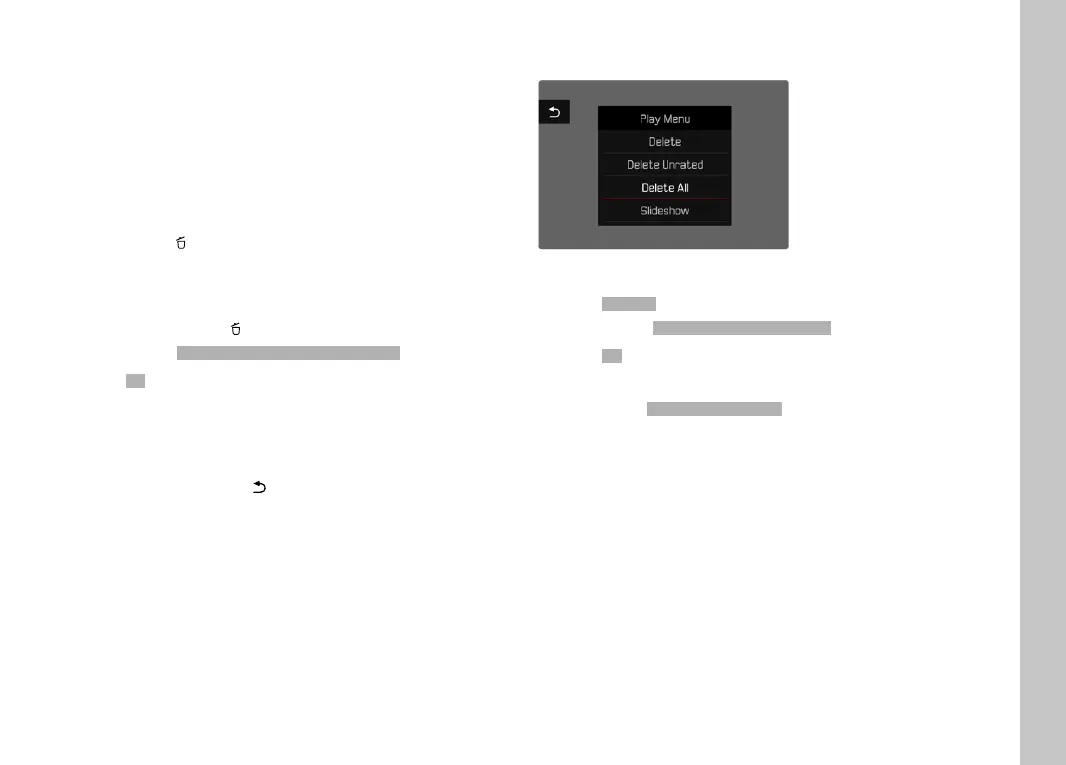
DELETING ALL RECORDINGS
▸ Press the MENU button
▸ Select
Delete AllDelete All in the Review menu
• The prompt
Do you want to delete all files?Do you want to delete all files? appears.
▸ Select
YesYes
Note
• The message
No valid picture to play.No valid picture to play. appears after successful
deletion. The same picture is displayed again if deletion was
unsuccessful. When deleting several or all pictures/recordings,
a notifi cation screen may appear for the time needed to process
the data.



 To Next Page