EN
Video Mode
153
Exiting the enlargement function
▸ Tap the shutter button
or
▸ Decrease the enlargement, until the full image is visible again
Notes
• The enlargement will automatically return to normal viewing size
about 5s after the last turn of the focus ring.
• This function is unavailable while recording.
DISTANCE DISPLAY
Distance information is shown in the top display during manual
focusing.
– Focus Mode MF: when the shutter button is pressed to the first
pressure point
– Focus Mode AF: when the shutter button is pressed and held at
the first pressure point, followed by a turning of the focus setting
ring
The unit of measure (mm or ftft) can be selected, see p.71.
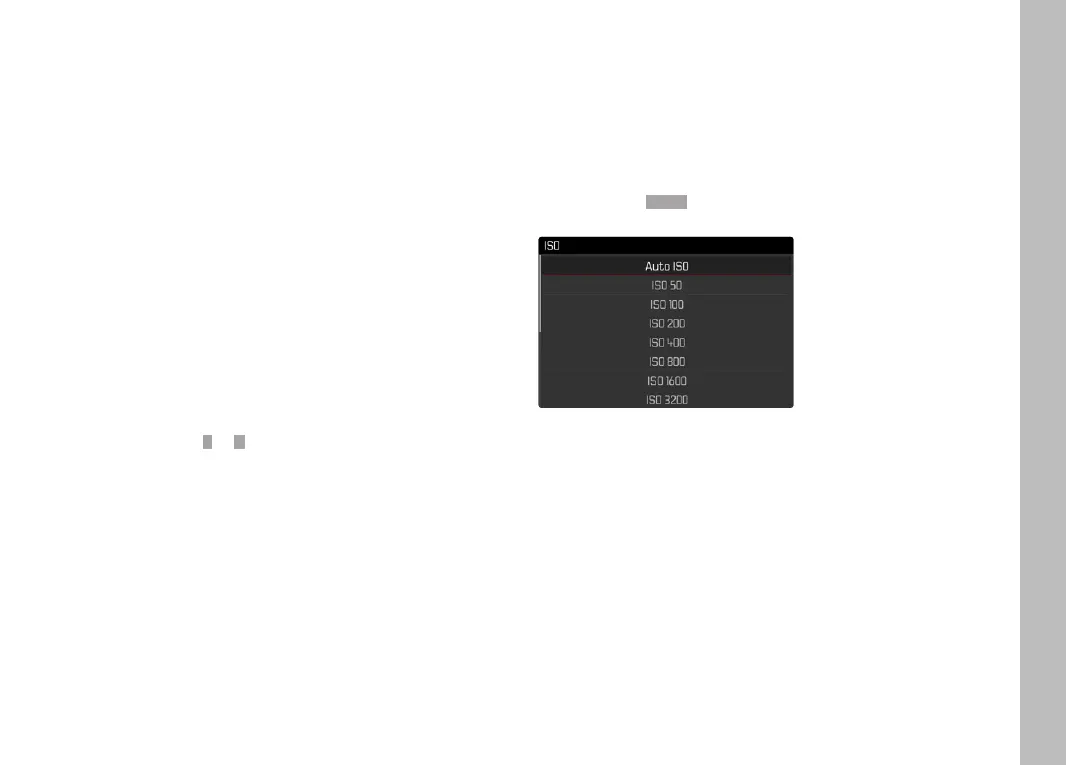
ISO SENSITIVITY
(Video mode)
The ISO setting covers a range between ISO 50 and ISO 50000,
allowing you to adapt to the relevant situation as required.
There is more leeway for the use of preferred shutter speed and
aperture combinations when setting the exposure manually. You
can set priorities within the scope of the automatic setting.
Factory setting: ISO 100ISO 100



 To Next Page