Playback/Review mode
EN
180
END PLAYBACK
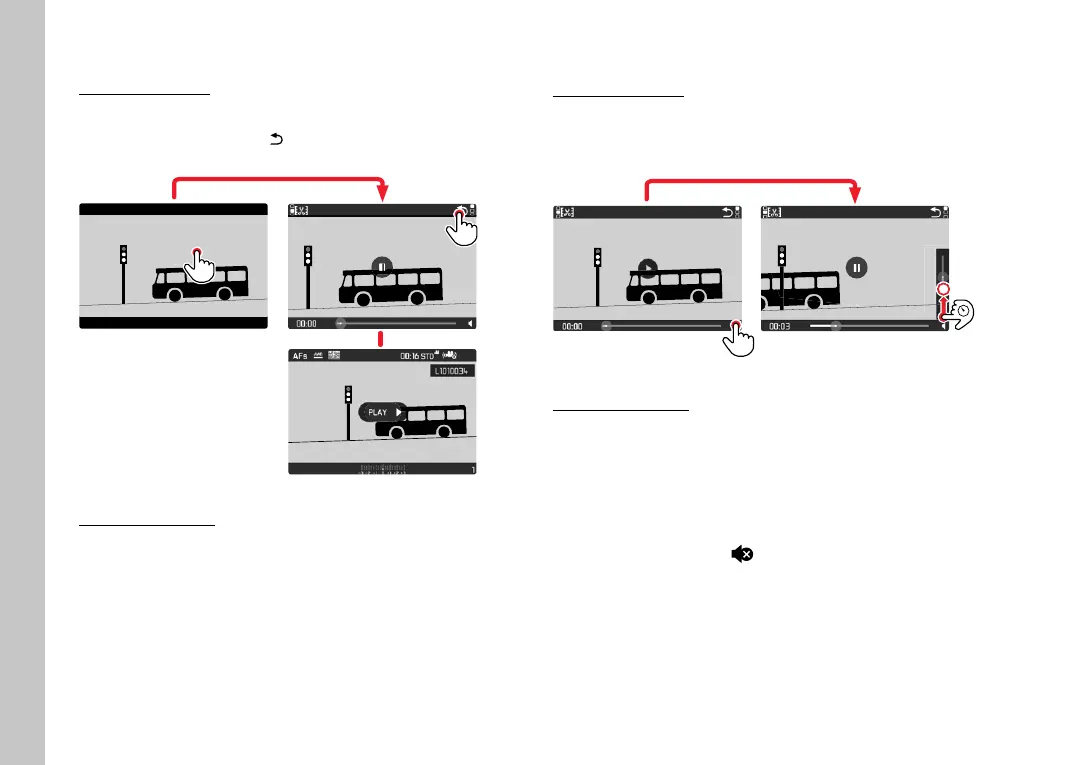
Using touch control
While control elements are visible:
▸ Select the "Go back" icon
INFO
1/80002.8F 12500ISO EV
SET
-3 2 1 0 21 3+
823412MP
Using button control
▸ Press the
PLAY button
SETTING THE VOLUME
Using touch control
While control elements are visible:
▸ Tap the volume icon briefl y
▸ Touch the volume status bar briefl y at the desired position
Using button control
▸ Press the joystick up/down
• The volume status bar appears.
▸ Press the joystick up (louder) or down (quieter)
Note
• Sound is switched off at the lowest part of the bar and the
volume icon changes to
.



 To Next Page