Playback/Review mode
EN
182
CUTTING
▸ Press the FN button at the rear left (25) to confirm the cuts
• The Video TrimmingVideo Trimming menu appears.
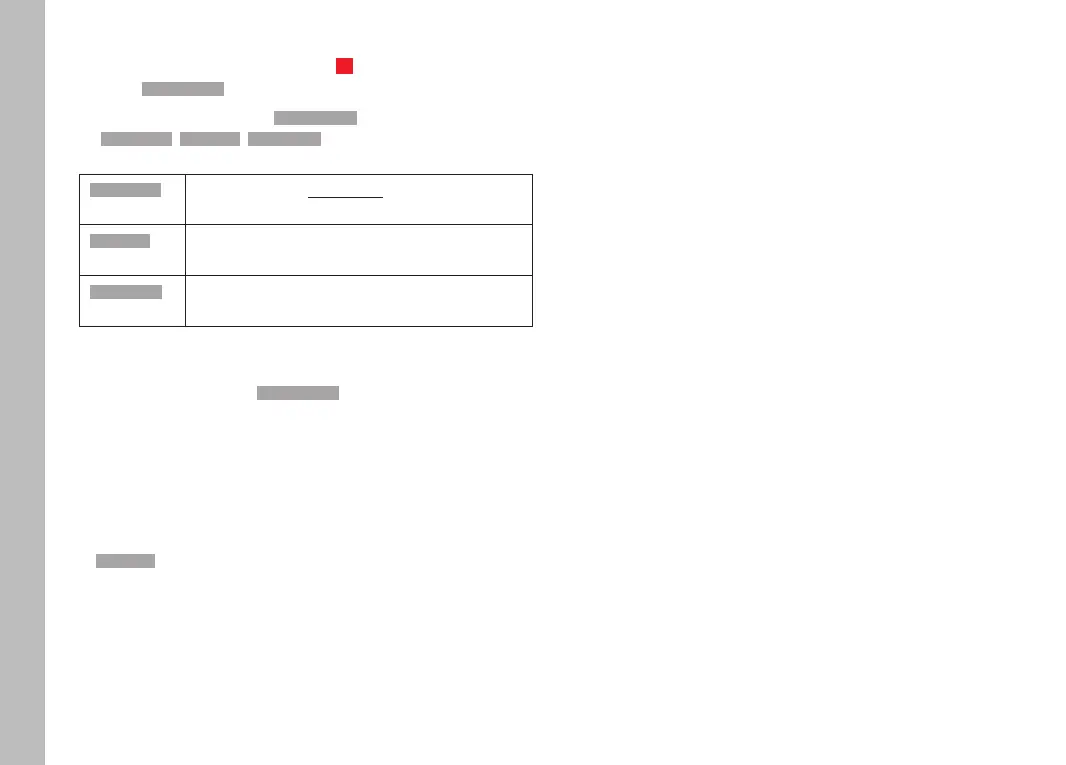
▸ Select a function from the Video TrimmingVideo Trimming menu
(Save as newSave as new, OverwriteOverwrite, Auto ReviewAuto Review)
Save as newSave as new The new video is additionally saved, the original
video remains unchanged.
OverwriteOverwrite The newly cut video is saved and the original one
is deleted.
Auto ReviewAuto Review The new video is played. The newly cut video is
not saved and the original remains unchanged.
The editing function can be canceled at any time, provided no
selection was made in the Video TrimmingVideo Trimming menu.
▸ Press the PLAY button
• The video playback screen reappears.
Notes
• In all three cases, a notification screen appears while the data is
being processed. Then the new video is played back.
• The numbering of existing recordings will not be changed when
New VideoNew Video is selected. The newly created video will be added to
the end of the series of videos.



 To Next Page