LOADRITE PRO OPERATING MANUAL
28
Suppose we want to recall the target value for Truck AUQ887.
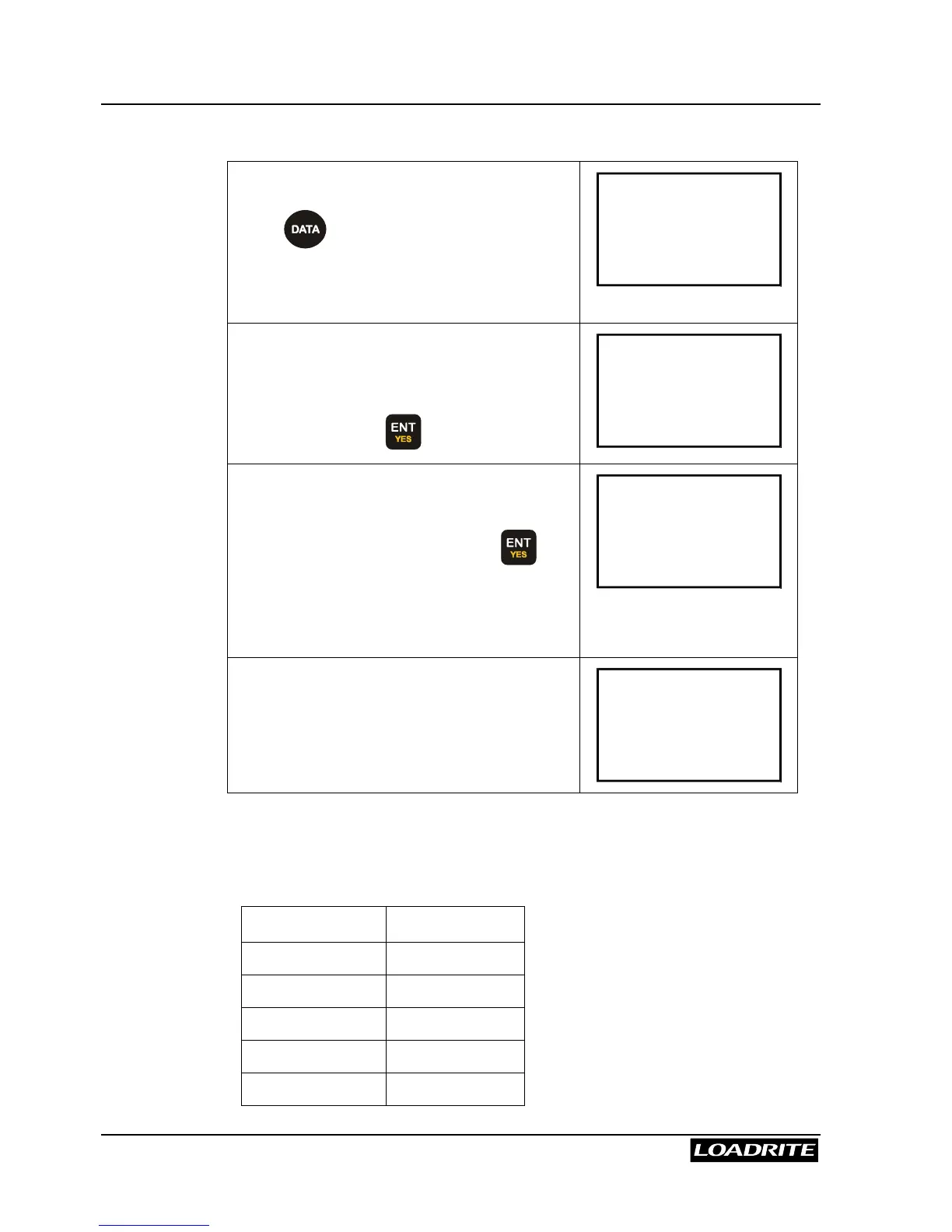
In Ready mode,
press . You will be prompted for the
first data field (Data 1: Customer). Since
we use Data 3 for Truck number, you must
first enter data for Data 1 and Data 2.
Customer
Smith
When you get to Data 3 (Truck number),
the last truck will be displayed.
Press
56
until you see AUQ887 on the
screen, then press to select the truck.
Truck
YA8855
Loadrite will then automatically use
AUQ887 as reference and look up the
corresponding target value.
When prompted to confirm, press to
accept it.
You may enter a new target value. If
changed, the new value will be saved.
Target?
16500
You will then return to the To Load
screen.
To Load
Sand
16500
Use indexing to recall truck target value:
Suppose we have a truck target list as follows. We configure Data 4 as
target list with index function enabled. The order of the list is important as
we use the index numbers to represent the trucks.
Index Data 4: Target
1 (AGT175) 15000
2 (AUQ887) 16500
3 (BQ1001) 15500
4 (BQ1002) 15500
5 (YA8855) 12000



 To Next Page