214880 5 Revision A
1.4 Maintenance Safety
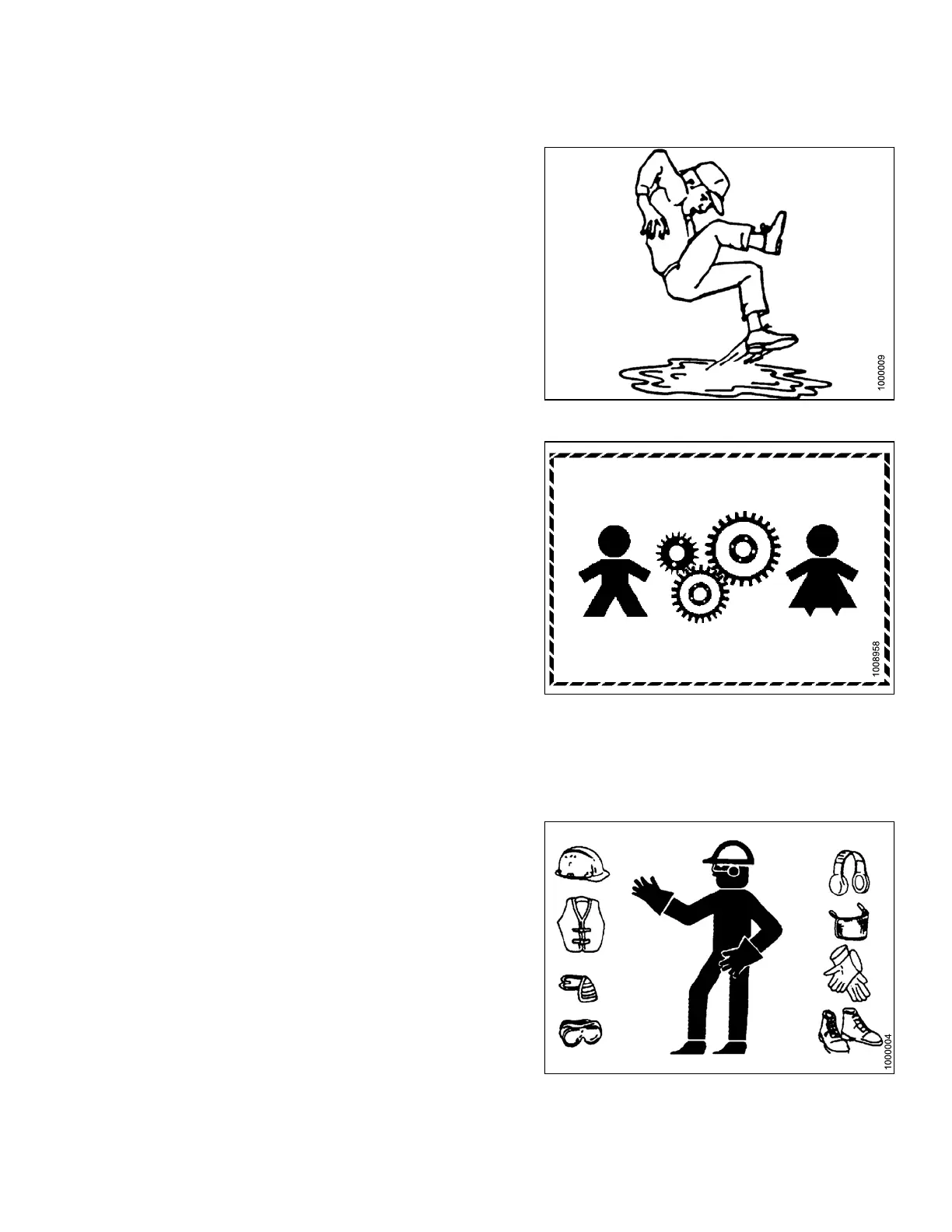
Figure 1.8: Safety around Equipment
To ensure your safety while maintaining machine:
• Review operator’s manual and all safety items before
operation and/or maintenance of machine.
• Place all controls in Neutral, stop the engine, set the park
brake, remove the ignition key, and wait for all moving parts
to stop before servicing, adjusting, and/or repairing.
• Follow good shop practices:
– Keep service areas clean and dry
– Be sure electrical outlets and tools are properly grounded
– Keep work area well lit
Figure 1.9: Equipment NOT Safe for Children
• Relieve pressure from hydraulic circuits before servicing
and/or disconnecting machine.
• Make sure all components are tight and that steel lines,
hoses, and couplings are in good condition before applying
pressure to hydraulic systems.
• Keep hands, feet, clothing, and hair away from all moving
and/or rotating parts.
• Clear area of bystanders, especially children, when carrying
out any maintenance, repairs, or adjustments.
• Install transport lock or place safety stands under frame
before working under machine.
• If more than one person is servicing machine at same time,
be aware that rotating a driveline or other mechanically-
driven component by hand (for example, accessing a
lubricant fitting) will cause drive components in other areas
(belts, pulleys, and knives) to move. Stay clear of driven
components at all times.
Figure 1.10: Safety Equipment
• Wear protective gear when working on machine.
• Wear heavy gloves when working on knife components.
SAFETY



 To Next Page