- 10 -
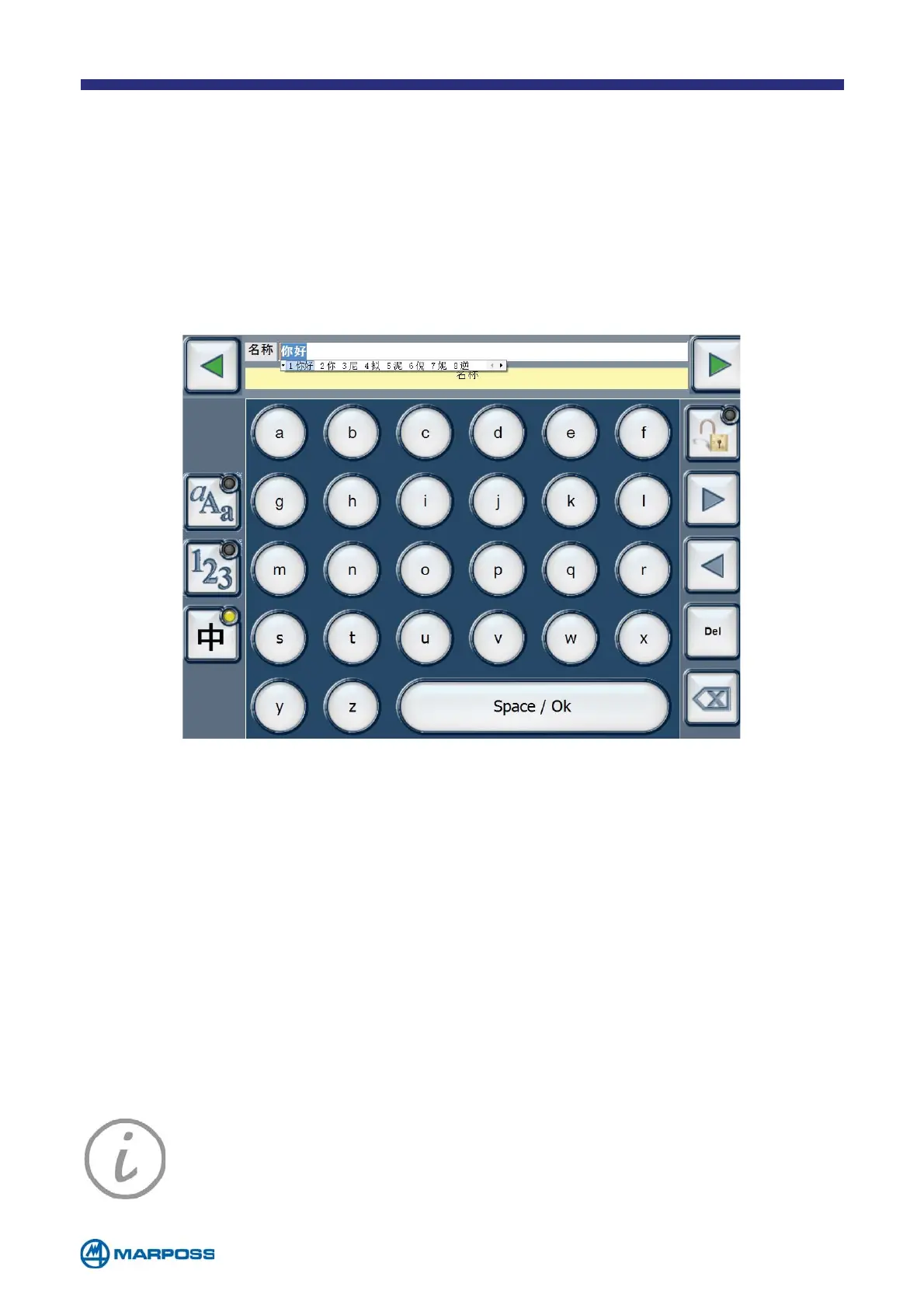
To enter text in Chinese, select the last keyboard on the list, type the desired
characters and tap Space/Ok to display the list of candidates. The green arrows
located next to the text box, can be used to scroll left and/or right through the list.
Once the desired letter has been entered, tap ‘Space/Ok’ to confirm the selection,
tap again to close the IME and return to the standard keyboard. Tap the Enter button
to confirm the data and return to the initial form.
1.5.2 Using the Chinese keyboard (Pinyin)
NOTE: It is also possible to connect a USB keyboard to Merlin Plus, or
a laser scanner (for reading barcodes or datamatrix) if it is configured in
wedge emulation (for example Honeywell 6300 Series DPM).



 To Next Page