- 82 -
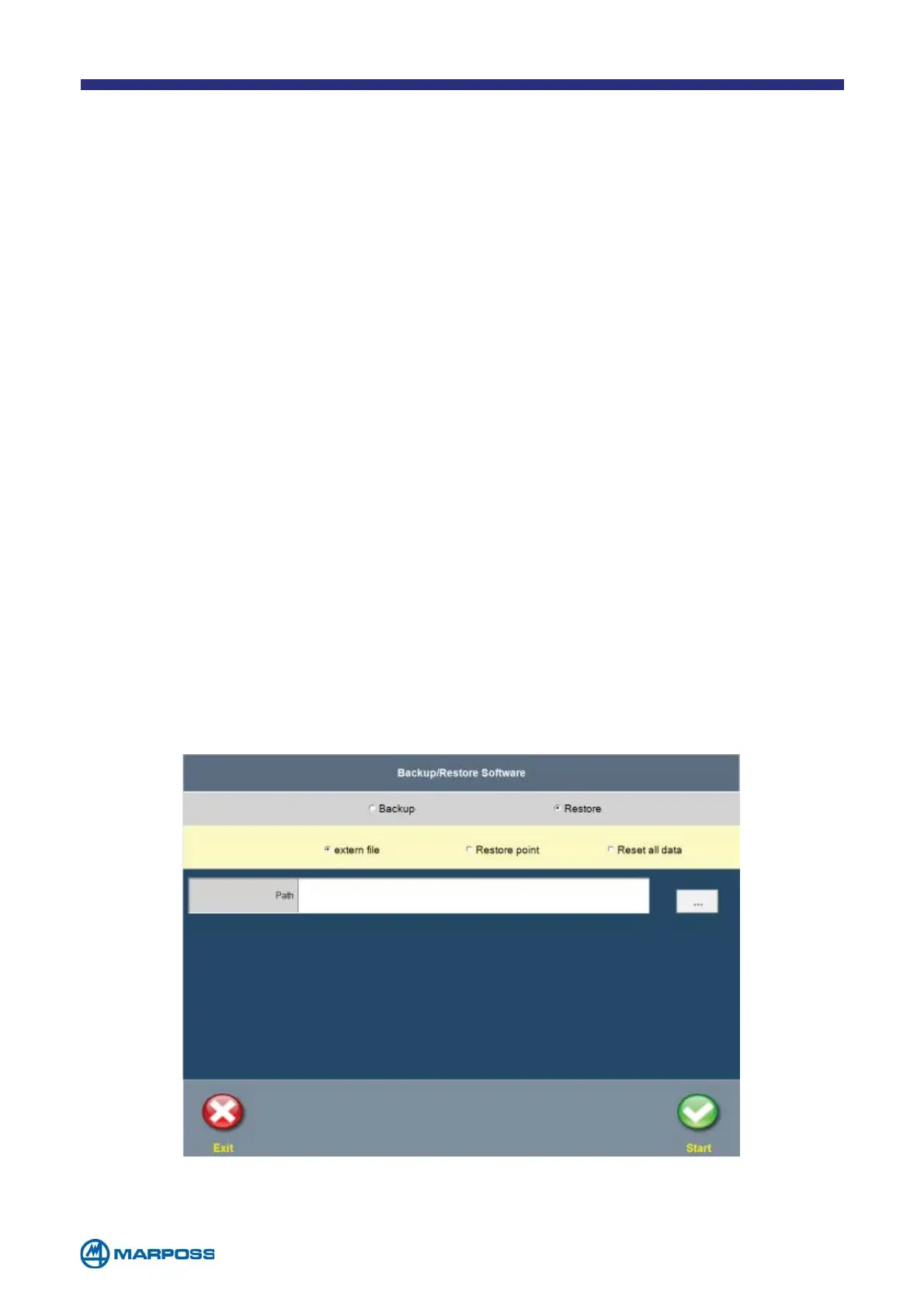
10.2.1 Restore from external file
10.2 Restore
Tap on the RESTORE option in the menu described above in order select one of the
following alternatives:
To restore the system from a “ZIP” file on a device connected to a USB port,
select the path by tapping on the “…” button and choose the ZIP file containing
the desired backup.
Tap on the S
TART button to restore all the archives.
The default name of the file where the data backup will be saved appears,
consisting of the name of the computer and the current date and time, however
the user may modify it as desired. The N
OTES can be used to provide additional
information about the contents of the backup and are added to the comments in
the file.
The devices table on the right of the screen contains a list of the removable units
connected to the USB ports, which are updated in real time. If no devices are
present, the backup may be saved to a local folder, thereby creating a “restore
point”. To create the backup, tap on S
TART. Once the backup is complete, if an
external device is connected it will be disabled automatically so that it can be
removed safely.



 To Next Page