- 37 -
4 BATCHES
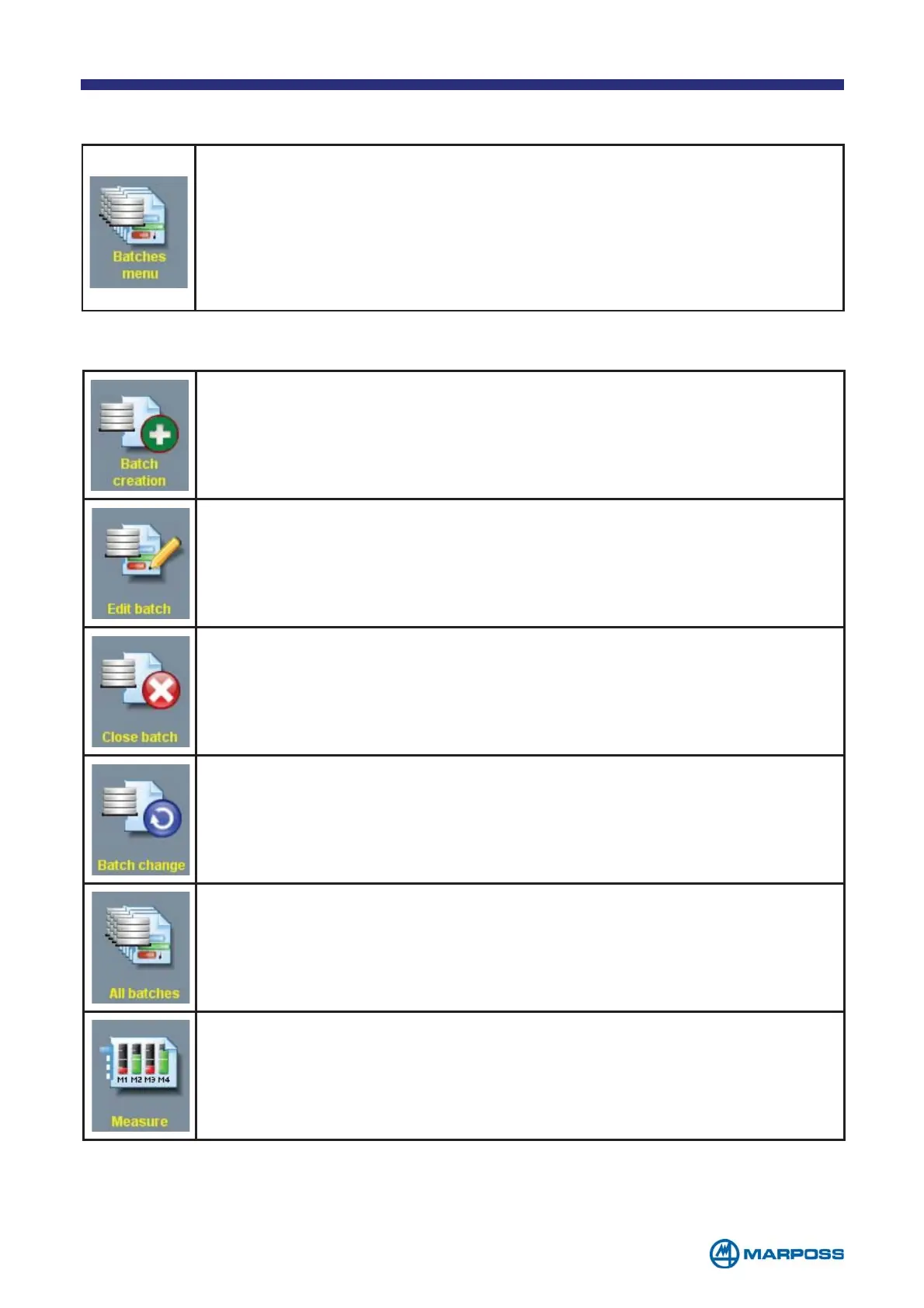
BATCH CREATION: to create a new BATCH (see paragraph 4.1).
EDIT BATCH: to modify the parameters of the selected BATCH.
CLOSE BATCH: to enable the operator to close an active BATCH, i.e.
setting it to a state where it is not possible to add measurements
and in which it can be deleted.
BATCH CHANGE: fast change of the selected BATCH; it enables the
operator to close the B
ATCH quickly, while simultaneously opening a
new one having the same parameters.
ALL BATCHES: to enable the operator to view all active and closed
B
ATCHES.
MEASURE: to enable the operator to activate the measurement phase
for the selected Batch (see chapter 5).
This menu contains the commands that are used to manage the BATCHES,
i.e. the data structures used for collecting the measurements. The B
ATCHES
are used primarily to store the data, but also to arrange the measurements
in layers according to the time they were collected in order to increase the
significance of the statistical analysis and to correlate the data collection
with the production B
ATCHES. Merlin can handle up to 200 BATCHES.
The following commands are available:



 To Next Page