- 28 -
3.2 Part program definition
3.2.1 Miscellaneous TAB
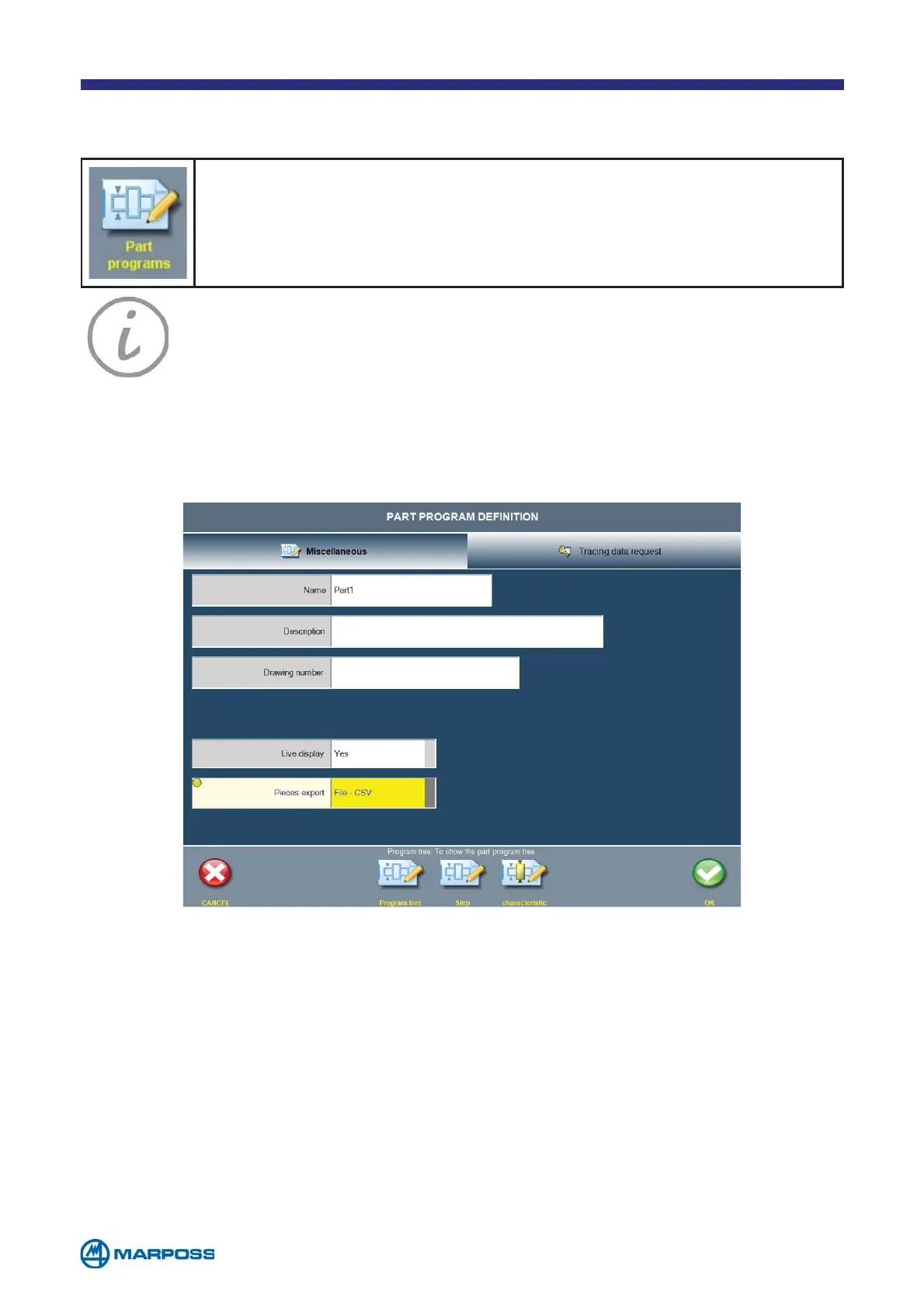
To define a new PART PROGRAM proceed as follows:
Select PART PROGRAM from the PROGRAMS MENU in order to access the
PROGRAMMING PHASE. Tap ADD to create a new PART PROGRAM.
Tap on N
AME to enter the NAME of the part to be programmed, on DESCRIPTION to enter a
D
ESCRIPTION (if it is required) and DRAWING NUMBER to enter the drawing reference.
The configuration parameters are described below.
• N
AME: name of the part to be programmed.
• D
ESCRIPTION: description of the part to be programmed.
• D
RAWING NUMBER: reference DRAWING NUMBER.
• L
IVE DISPLAY: if this parameter is enabled, measurement values are updated conti-
nuously during the acquisition phase; if it is disabled, the C
HARACTERISTIc values are
displayed only once the measurement has been completed (options: Y
ES/NO).
• P
IECES EXPORT: if this parameter is setted on FILE-CSV, at the end of each piece a
CSV file containing the last measured values will be exported.
NOTE: Merlin can manage up to 200 P
ART PROGRAMS.
NOTE: The P
ART PROGRAM name may not contain characters that Window
does not accept as part of file names (E.g. / \ : * ? “<>| ø...). If any of
these characters is used, the system will allocate the P
ART PROGRAM a
string containing the exportation date and time (YYYYMMDDhhmmss)
during the B
ATCH export phase.



 To Next Page