- 11 -
2 INITIAL SETTINGS
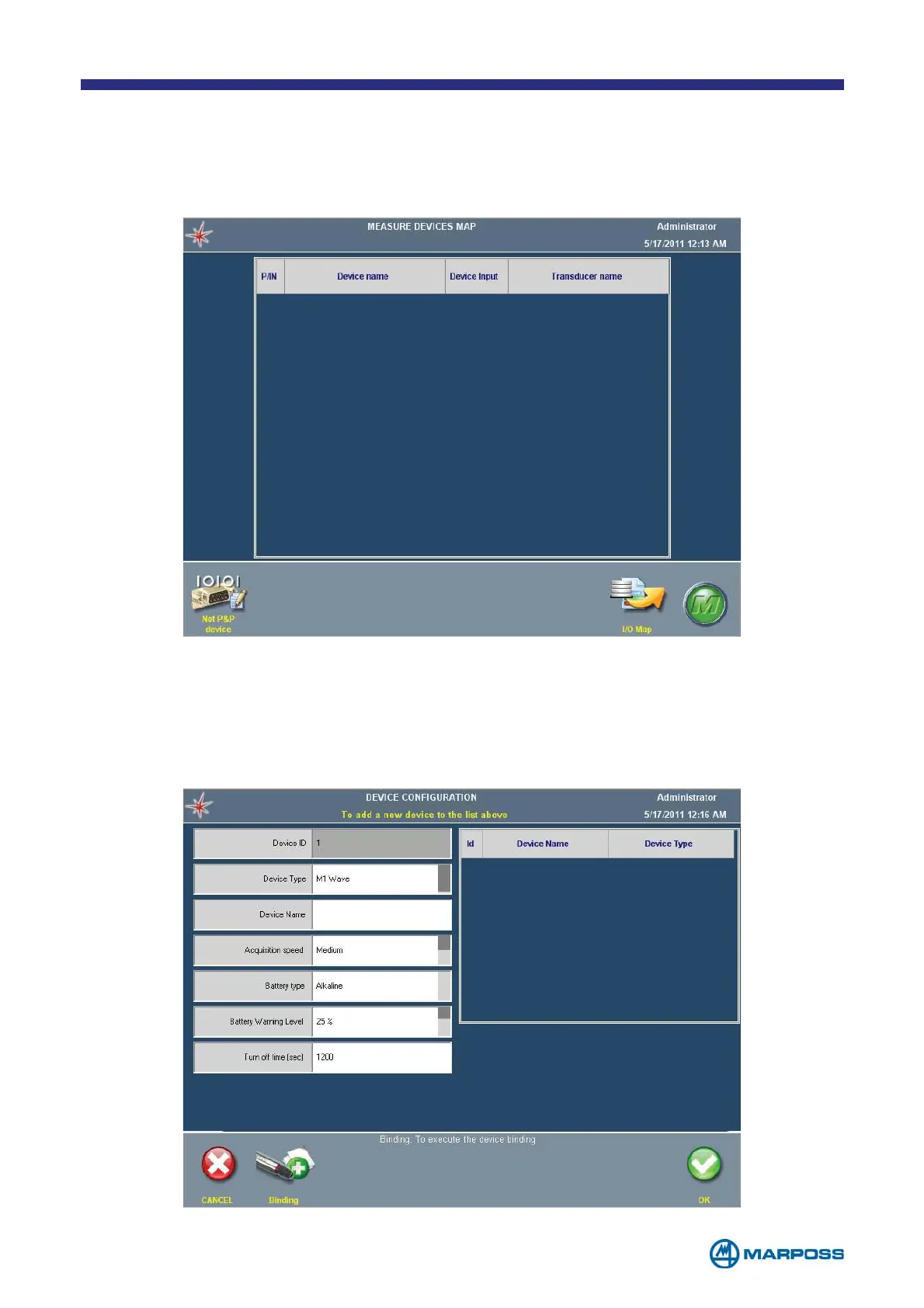
When a new and unprogrammed Merlin is switched on, the MEASUREMENT DEVICES MAP
page is displayed, initially empty.
To carry out the initial set-up, proceed as follows; note that it is not necessary to
connect any of the devices at this stage.
• Select N
ON P&P DEVICE from the command bar
• The Device
SETTINGS WINDOW appears, select the type of device connected to
Merlin by tapping the D
EVICE TYPE FIELD repeatedly (See paragraph 2.2).



 To Next Page