- 93 -
Calibrating the touch-screen
• Connect a USB keyboard to the system.
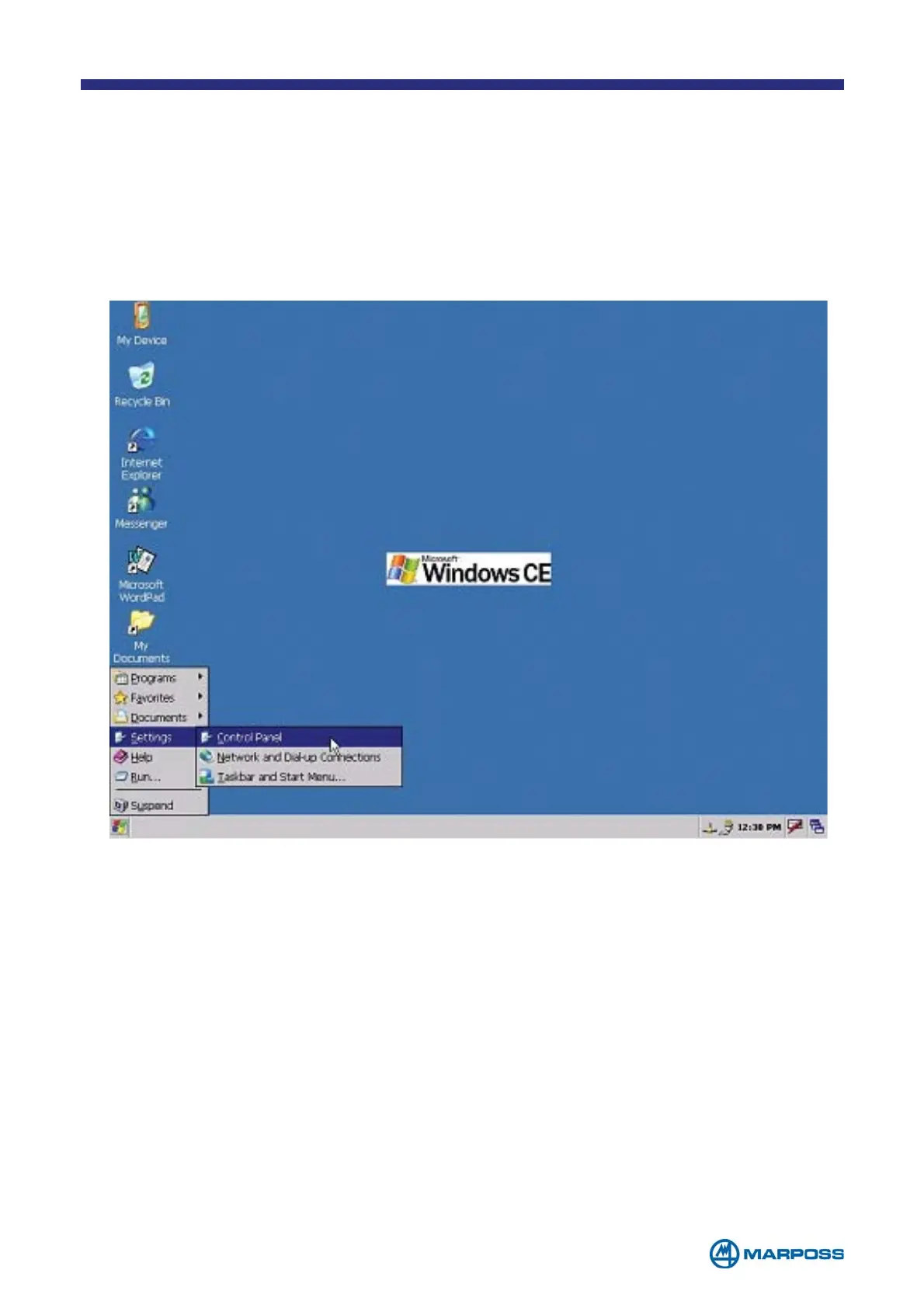
• Tap S
TART MENU on the operating system desktop.
• Select Settings\Control Panel.
• Select the Stylus function.
• Use the Calibrate function to activate the touch-screen calibration procedure.
• Tap and hold the cross displayed on the screen for a few seconds. After tapping
the cross five times, the procedure should be complete.
Tap Enter on the keyboard to store the settings.



 To Next Page