- 81 -
10 Backup & Restore
10.1 Backup
The ‘Backup and Restore’ included in Merlin enables the user to save a complete
copy of all programming, configuration and measurement data in a ZIP format file.
If necessary it is possible to restore the system using these data.
It is possible to run the Backup & Restore software either as a tool from the Merlin
software by tapping on an icon in the menu, or in stand-alone mode by running
the executable file in the Merlin installation path. Running the tool in stand-alone
mode should only be done as a precaution if Merlin fails to open properly. In such
cases, it is possible to create a backup of the archives and send it to customer
service in order to check the integrity.
The option may be accessed from the “Settings” menu and only if the user is
authorised to do so. In fact, it is possible to select between the following alternatives
during the user configuration phase:
• Do not authorise the user to access the tool
• Authorise Backup only
• Authorise Backup and Restore
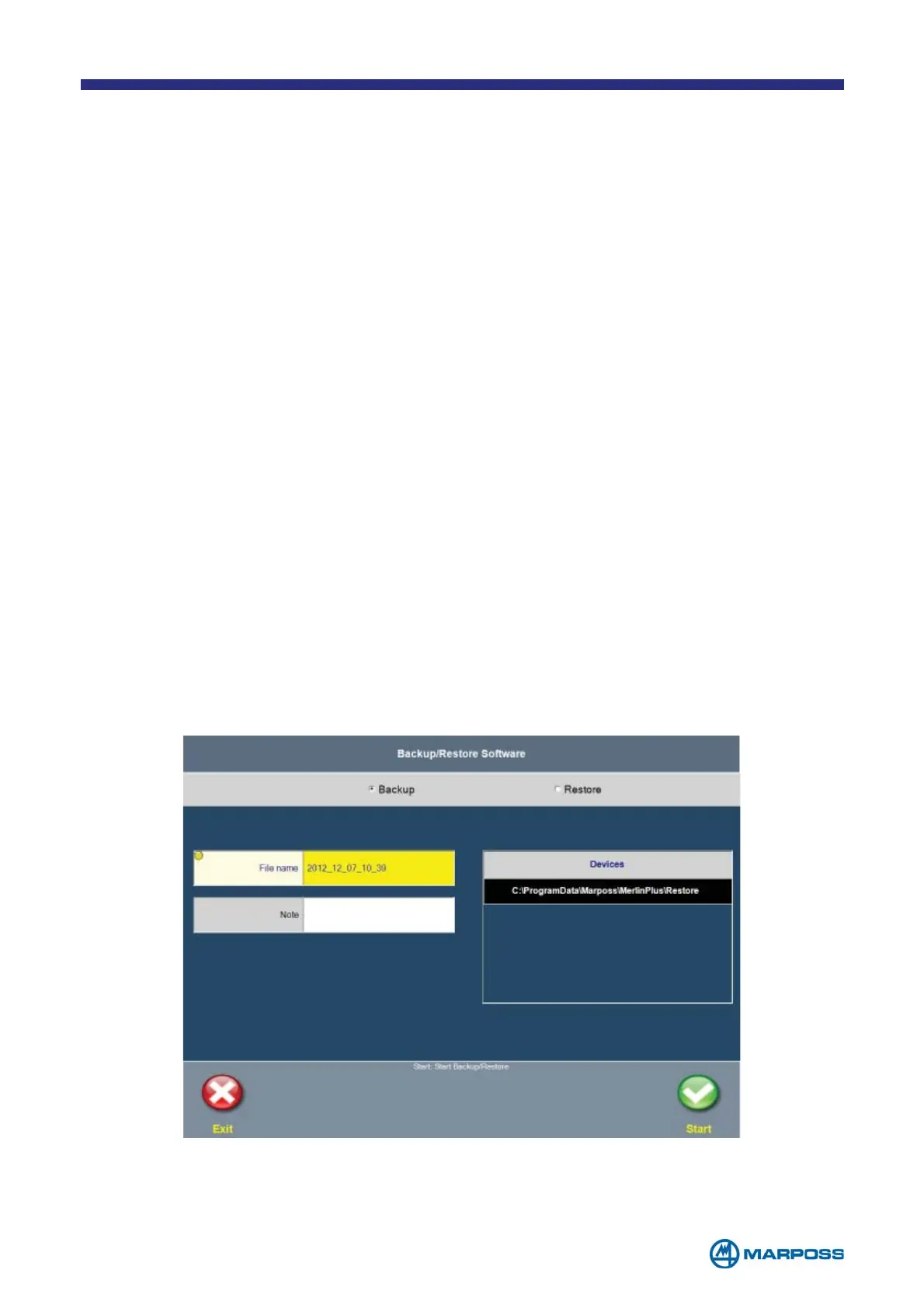
When the tool is started, the following window appears, where the Backup is
normally selected:



 To Next Page