- 23 -
2.7 Digi Crown probe replacement function
In order to simplify the Digi Crown probe replacement after failure, we added the
R
EPLACE button in the DEVICE CONFIGURATION PAGE. It follows the sequence to carry out a
single probe replacement.
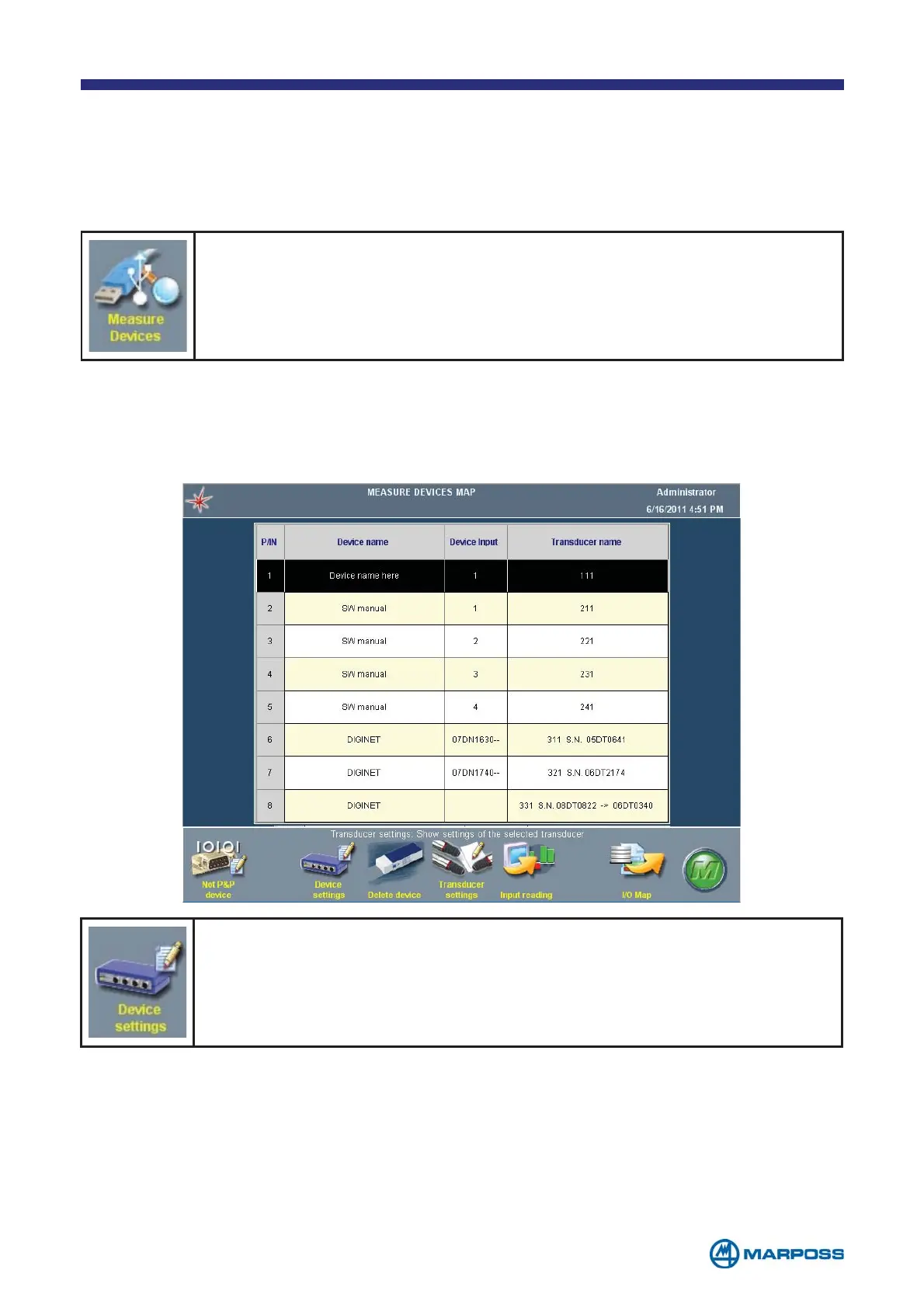
From the menu, tap on SETTINGS. Select MEASURE DEVICES to enter the
map of the measure devices previously configured.
In the M
EASURING DEVICES MAP, the system automatically detects which a digital probe
has been replaced, showing both the serial number of the old probe and the serial
number of the new one.
Select the Digi Crown driver (DIGINET) in the list and then tap DEVICE
SETTINGS.
In the D
EVICE CONFIGURATION page it is now possible to ADD or REPLACE a new probe.
Tapping the R
EPLACE button on the toolbar, it will change definitely the two probes,
while tapping A
DD the software will add the new probes in the list of the available
transducers.



 To Next Page