- 13 -
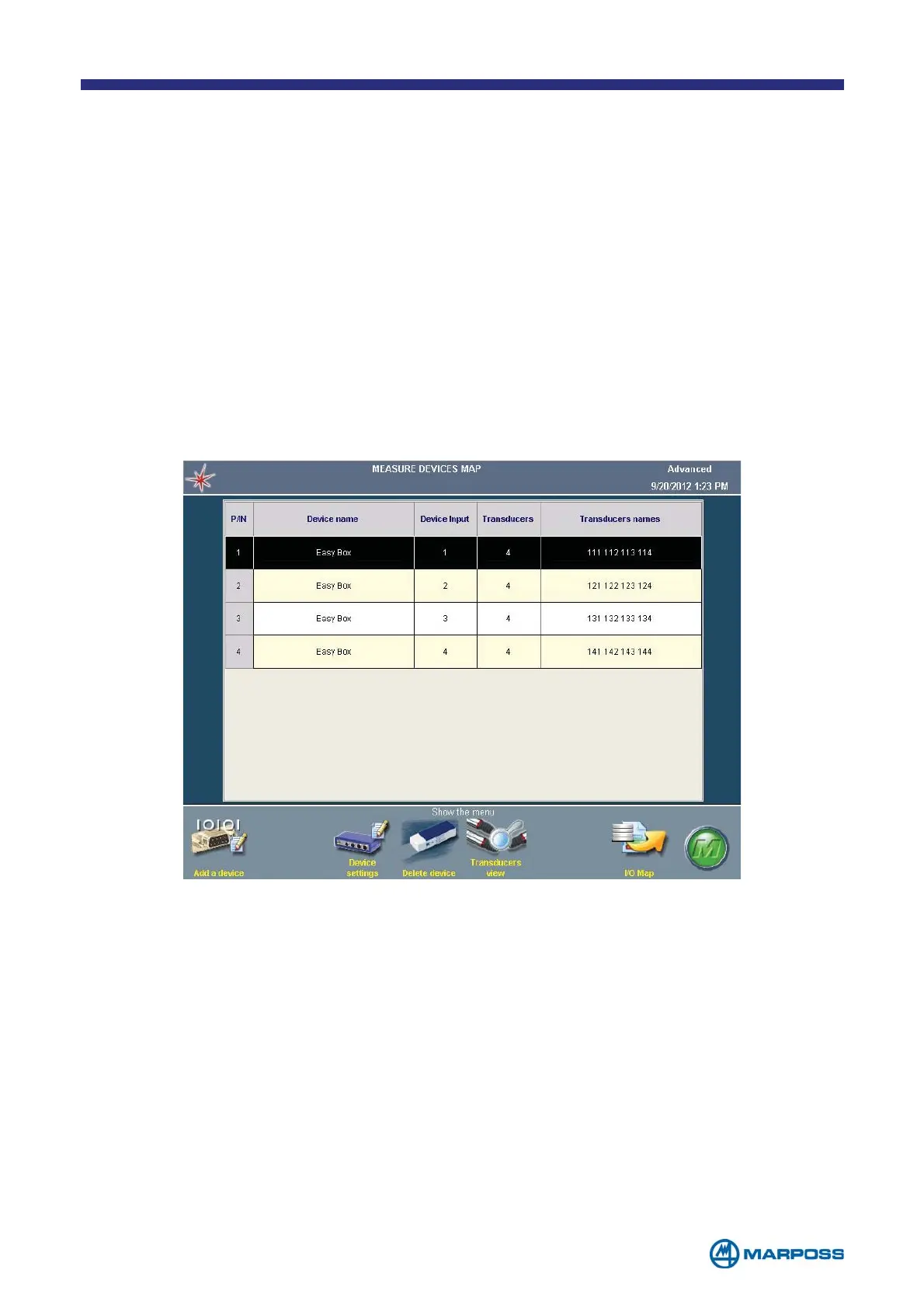
Defining multiple instances for the same transducer (by the GENERAL SETUP menu,
see para. 6.1) makes it possible to use different transducers in the measurement
formulas, provided the same device and input are used. In fact, the transducers
connected to a given device may have different operating ranges, sensitivity etc.
The different instances are identified by the third figure in the T
RANSDUCER NAME field,
(e.g. T121 and T122 are two instances of the second channel on the first device).
If the M
ULTIPLE TRANSDUCER INSTANCE option is activated in the set-up, the Device map
displays an additional 3 columns that represent all different configurable istances
for transducers, to every istance, it is possible to assign during the configuration, a
customized name (for example the fixture name where the sensors are installed) in
this way the list can appear easy to read.
2.1 Multiple transducer instance
The commands DELETE device and TRANSDUCERS VIEW, available when a transducer
column is selected, can delete or add or modify an istance.
It is possible to leave the cells empty, if the channel is not used by an istance, it is
possible to manage up to 4 istances for every transducer.



 To Next Page