- 38 -
The ALL BATCHES function can be used to view all active and closed batches and
generate an alternative command list that enables the operator to work on closed
B
ATCHES, exporting and deleting them:
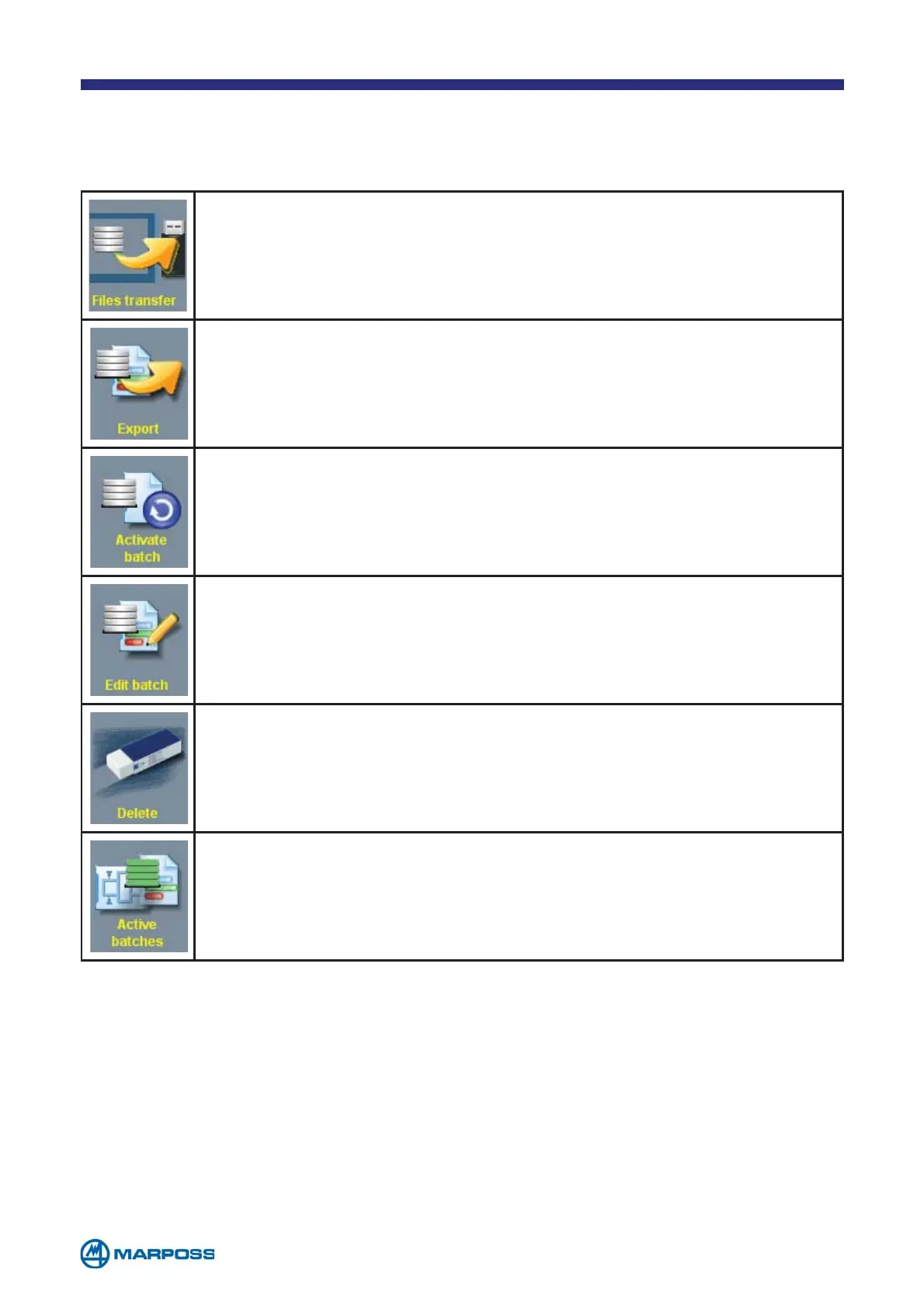
FILE TRANSFER: to enable the operator to transfer the exported
B
ATCHES to a specific destination defined in the General setup (see
chapter 6).
EXPORT: to export the selected BATCH to a file; the operator may de-
cide to export only the measurements, only the statistics, or the
measurements and the statistics.
ACTIVATE BATCH: to activate the selected BATCH.
EDIT BATCH: to modify the parameters of the selected BATCH.
DELETE: to delete the selected BATCH, it is possible only if it is already
closed.
ACTIVE BATCHES: to enable the operator to view the active BATCHES
only.
There are two ways to create a new B
ATCH:
• Tap on B
ATCHES MENU and than on BATCHES CREATION to create a new BATCH
• Select PART PROGRAM from the PROGRAMS MENU, access the PART PROGRAMS LIST page
and select the P
ART PROGRAM, the BATCH is to be associated with, then tap on
B
ATCH.



 To Next Page