WRS – Installation Manual
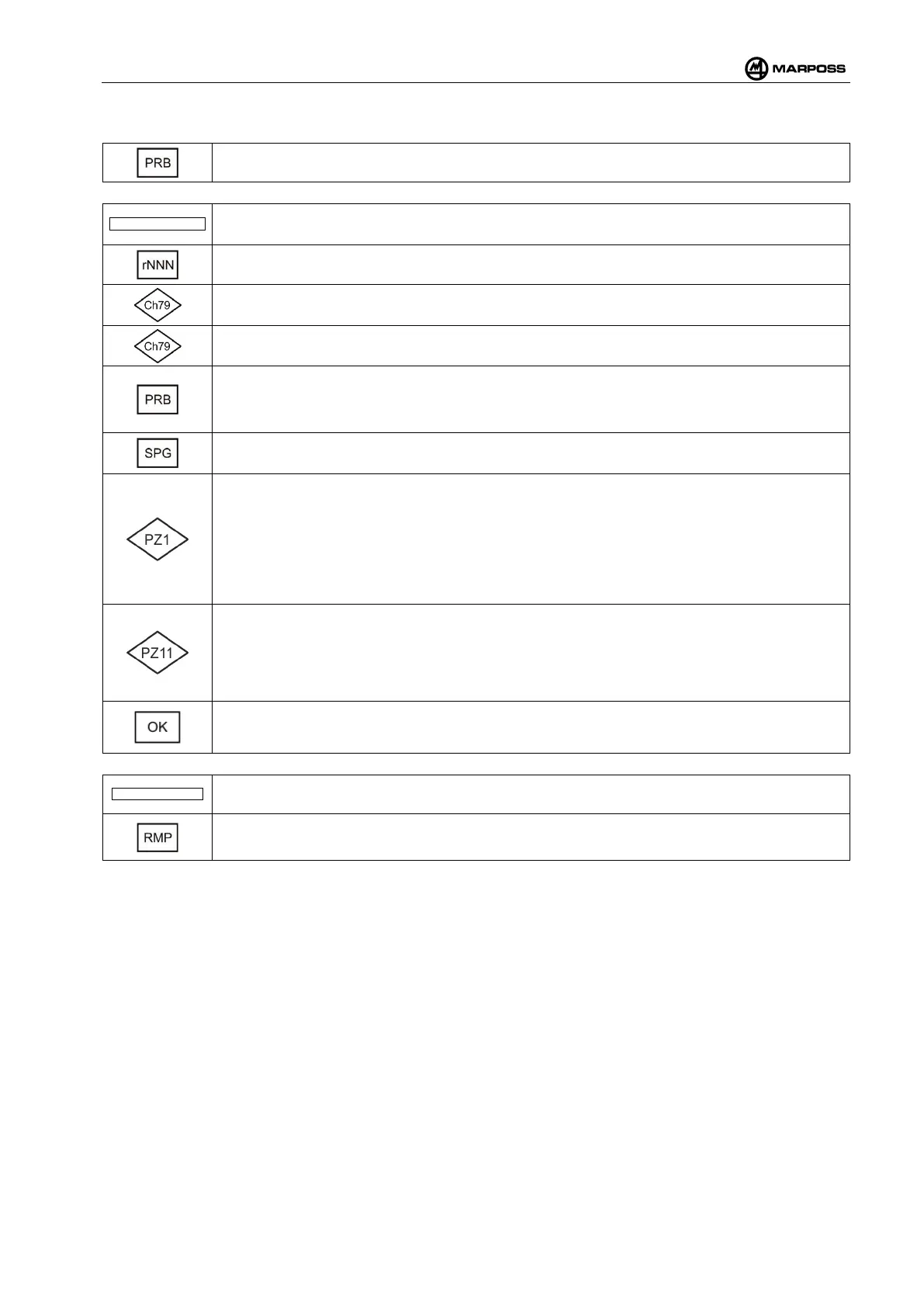
The following is a detailed description of the PRB Menu:
Select the probe you want to program. In case of pairing of a single probe, this function will
not be shown and you are directly sent to the following step.
.. Probe found 08FE ..
The serial number of the probe you are going to program is shown. Make sure it
corresponds to the serial number of the probe you want to program.
Review of the probe Firmware.
Select the tens of the work channel. In case of first pairing it is advisable to keep the
suggested channel. See para. 4.10.9
Select the units of the work channel. In case of first pairing it is advisable t
o keep the
suggested channel. See para. 4.10.9
Select the work sub-
channel. In case of first pairing it is advisable to keep the suggested
channel.
Select the character “-“ at the end of programming, the probe pairing will be removed.
SPeed Grade allows selecting the time for the probe activation among the following values.
For more information, see para. 4.12.2.2.
Piezo Parameter "PZ1" (visible only in the case of T25P programming)
operator to select piezo-
electric sensor operating mode depending on the type of
application. The figure indicates how the probe responds in the event that the tripod
kinematic mechanism intervenes, as a result of the piezo-
electric sensor failing to
intervene. The first figure may be set to one of the following values:
0 = An alarm signal is generated and the cycle is aborted;
1 = An alarm signal is generated, but the probe is reset automatically.
Piezo Parameter "PZ11" (visible only in the case of T25P programming).
may be used to “pre-
set” various different operating profiles (user sets) in order to optimise
performance even in extreme applications, in terms of noise, touch speed, geometry and
stylus mate
rial. There are five user sets available. To select the appropriate set, refer to the
T25P probe documentation (Code N. 6710021110).
Request for confirmation select OK “y” to confirm them, or OK “n” to cancel them.
…Probe not found…
No probe found.
Should a probe have been paired to the receiver and it is not found in this phase, the WRI
receiver asks whether you want to remove pairing. Select “y” to remove pairing.



 To Next Page