WRS – Installation Manual
The following is a detailed description of the SYS Menu:
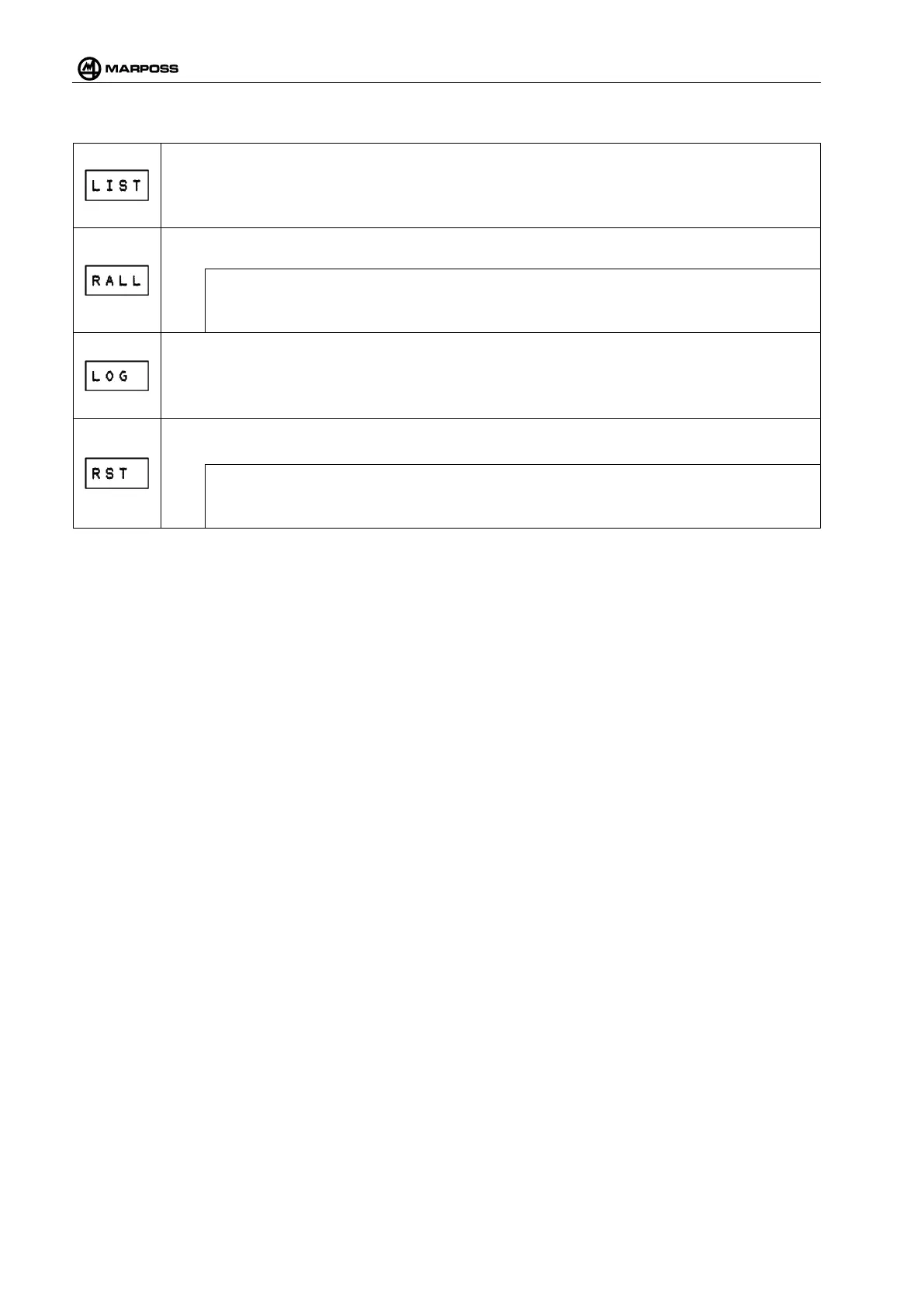
Pairing list: This function displays the paired channels and sub-channels.
It shows the next Pairing each time the ENTER or E+
key is pressed. The strings on the
display of WRI receiver have the following meaning:
_XYY: Touch transmitter (WRP) or tool setter (WRTS) on channel YY and sub-channel X
It removes all Pairings: this function allows deleting all the Pairings stored on the WRI r
[
N.B.:
this operation is not reversible! If this function is erroneously performed, Pai
repeated.
Diagnostic Log: allows viewing the diagnostic codes of the WRI receiver.
A diagnostic code is displayed each time the ENTER or E+ on the remote control unit
pressed. In case of problems to the WRS System, this function makes i
codes useful to the Technical Service for troubleshooting.
Reset: allows re-
starting the system. Selecting this function is as much as switching power
supply to the WRI receiver off and on again.
N.B.:
The reset function does not eliminate the WRI receiver programming.



 To Next Page