4-3
Remove facia (See page 4-2).
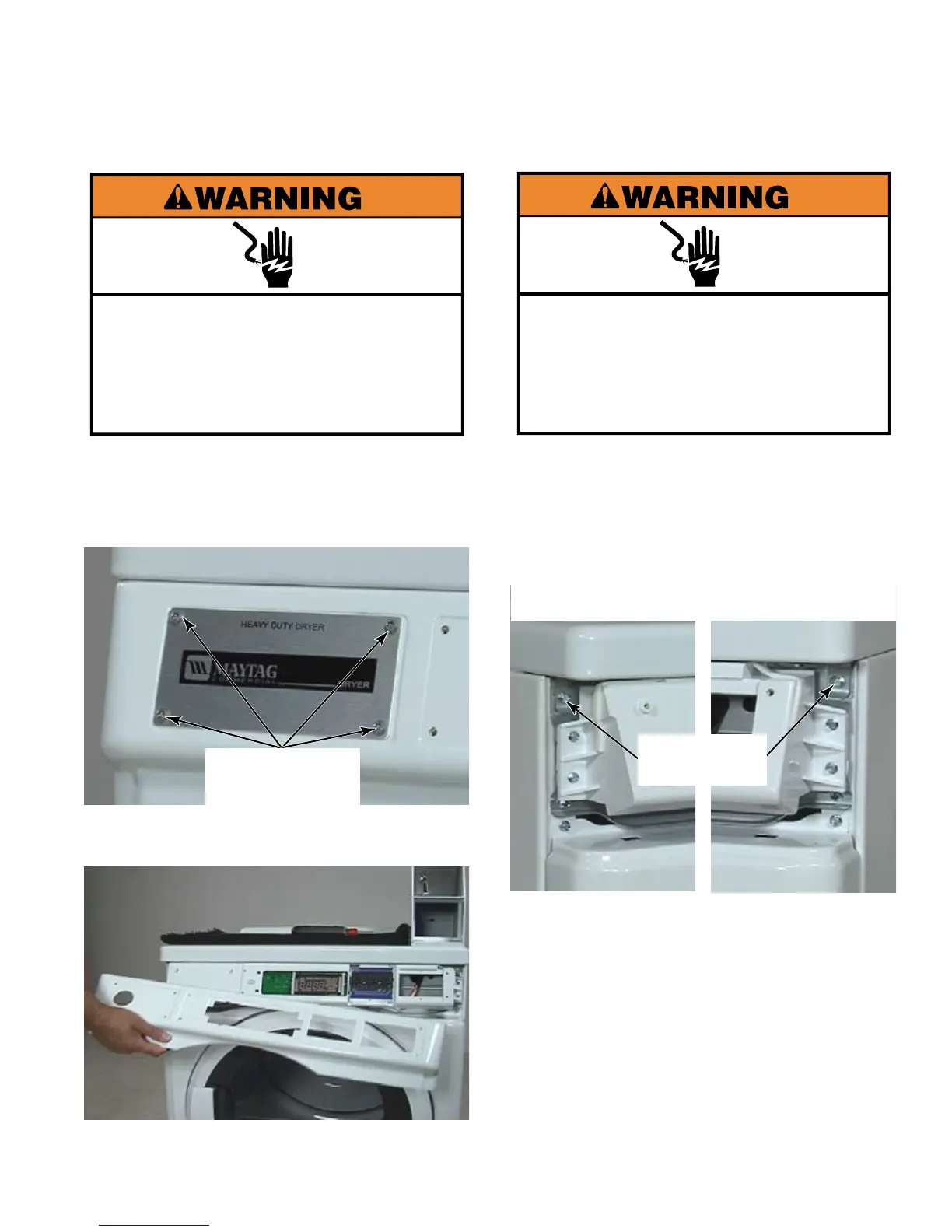
Remove four T-20 security screws from
name plate.
Pull control panel cover away from front of
dryer.
1.
2.
3.
Electrical Shock Hazard
Disconnect power before servicing.
Replace all parts and panels before
operating.
Failure to do so can result in death or
electrical shock.
Four T-20
Security Screws
Electrical Shock Hazard
Disconnect power before servicing.
Replace all parts and panels before
operating.
Failure to do so can result in death or
electrical shock.
Remove control panel cover
(See page 4-3).
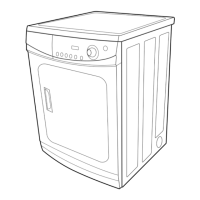
Remove two 1/4” hex head screws in the
upper front corners behind control panel
cover.
Lift the front edge of top to open.
When it is open all the way, the top will rest
on two retaining supports attached to back
of dryer just below the top.
The two hinges attached to the top are
secured with Star head screws that are
hidden once top is closed.
1.
2.
3.
4.
5.
Left Side Right Side
1/4” Hex
Head Screws





 To Next Page