4-47
Model 25 dryers use a snap-in display lens.
This snap-in style lens requires that the
control panel cover be removed in order to
release the tabs that lock the display lens in
place over the fascia. A snap-in display lens
can be used as a replacement part for both
the Model 25 and the Model 22 commercial
dryers.
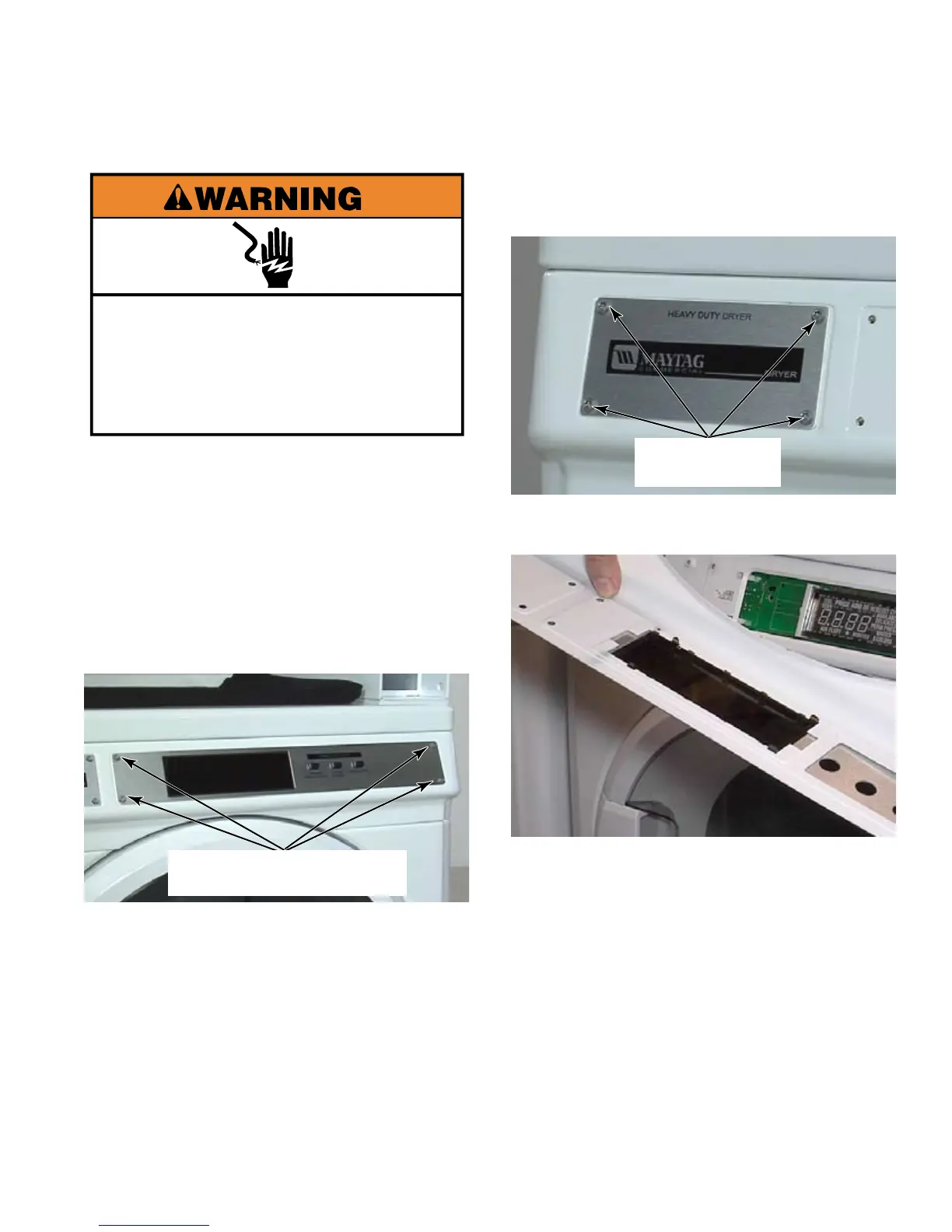
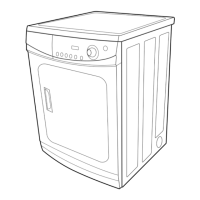
Remove the four T-20 security machine
screws from the front of the facia.
To avoid damage, lay a towel, or
another covering, on the dryer top and
place removed hardware and tools on the
covering.
1.
2.
Remove four T-20 security machine screws
from the name plate. Support the name
plate when removing the final screw.
Pull control panel cover away from front of
dryer.
Depress the clips on the edges of the
display lens on the back side of the control
panel cover. Remove the display lens from
the front of the cover.
3.
4.
5.
Electrical Shock Hazard
Disconnect power before servicing.
Replace all parts and panels before
operating.
Failure to do so can result in death or
electrical shock.
Four T-20
Security Machine Screws
Four T-20
Security Screws





 To Next Page