4-21
Remove dryer top (See page 4-11).
Remove two of the three 1/4” hex head
screws that secure baffle to drum.
These screws have multiple thread depths
that grab plastic securely to help avoid
screws becoming loose from vibration.
1.
2.
3.
Open dryer door and hold baffle with one
hand while removing the third screw.
Remove baffle from dryer and replace if
necessary.
4.
5.
Three 1/4” Hex
Head Screws
Bafe
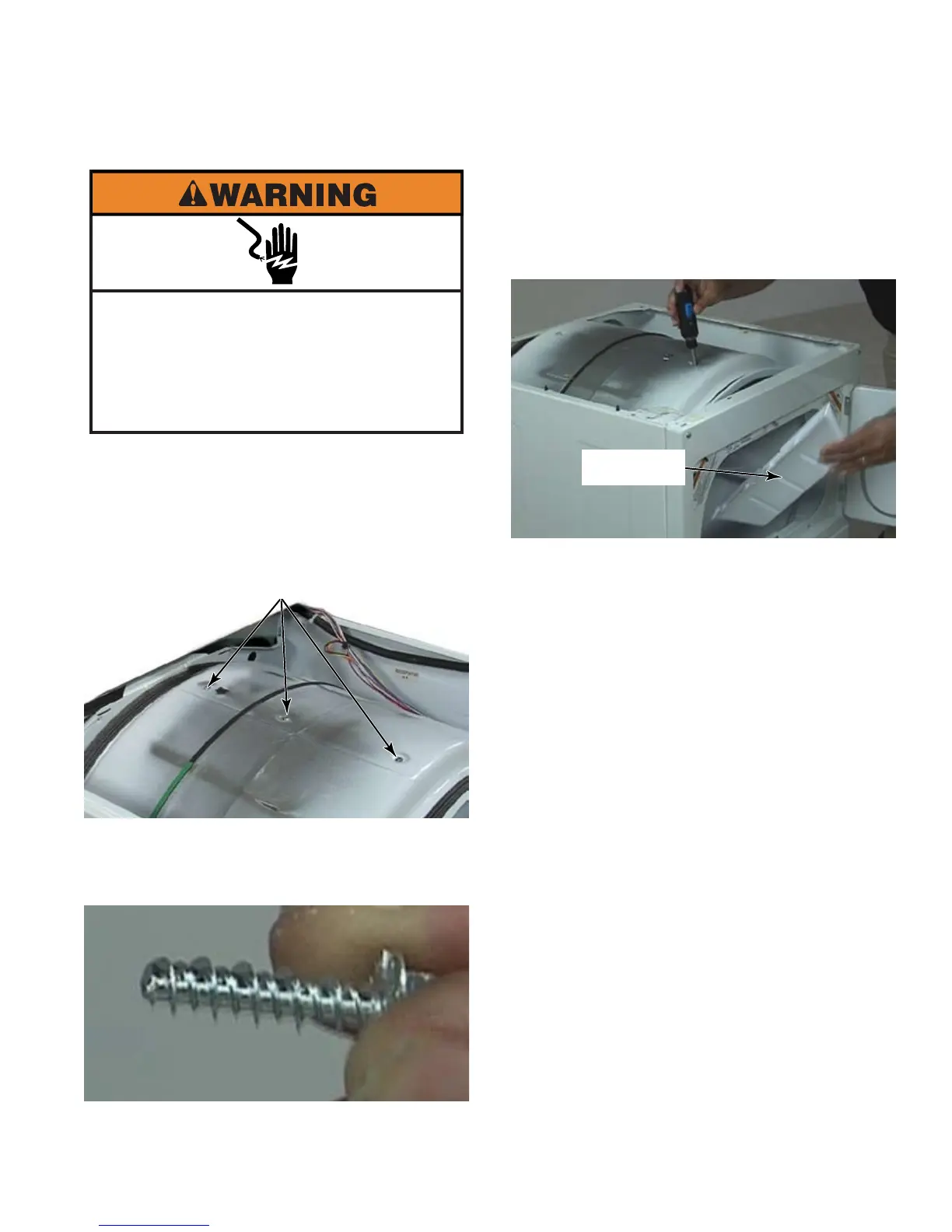
Electrical Shock Hazard
Disconnect power before servicing.
Failure to do so can result in death or
electrical shock.
Replace all parts and panels before
operating.





 To Next Page