4-40
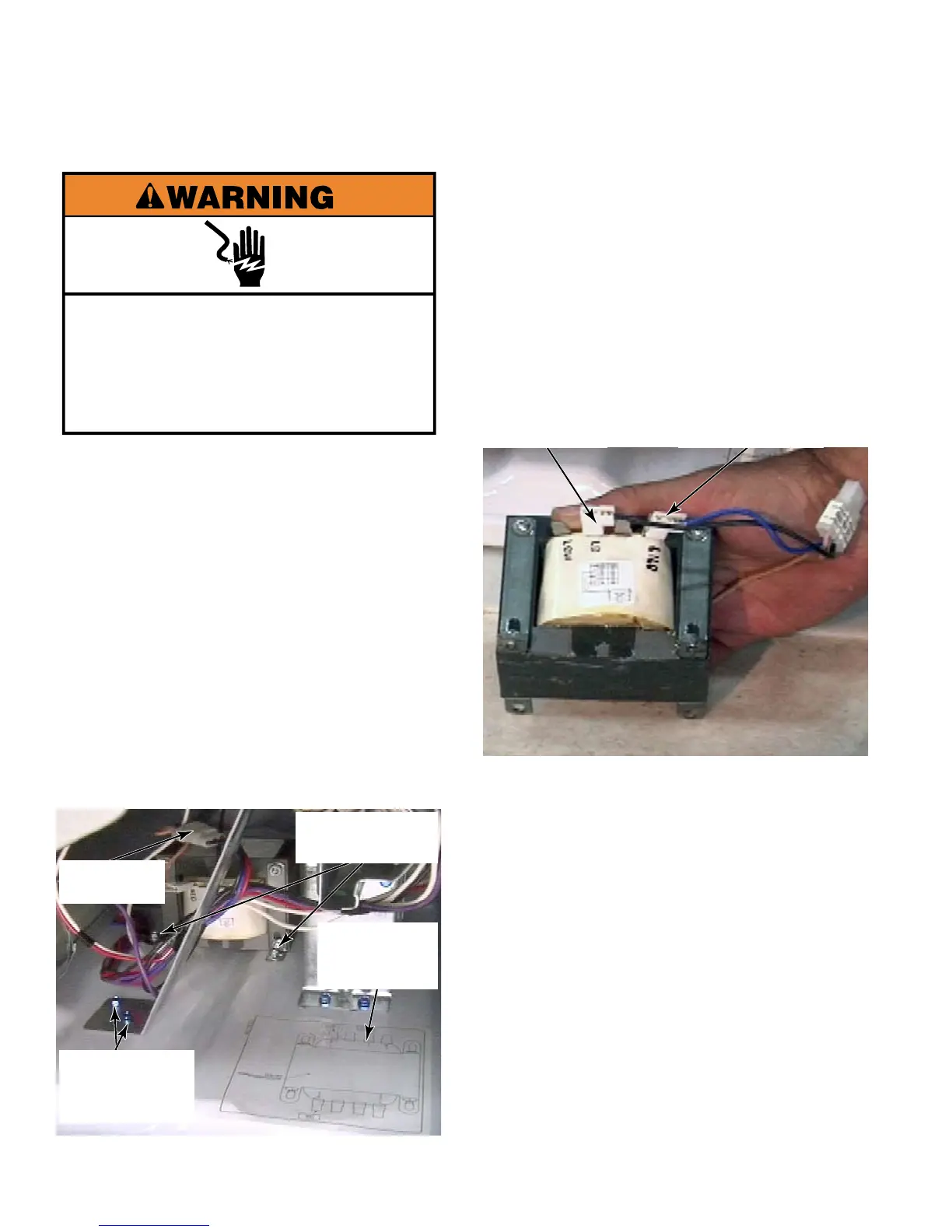
Electrical Shock Hazard
Disconnect power before servicing.
Replace all parts and panels before
operating.
Failure to do so can result in death or
electrical shock.
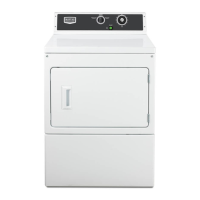
Remove service panel (See page 4-16).
Remove two 1/4” hex head screws that
secure the gas valve bracket brace to the
base of the dryer
Remove the gas valve bracket brace to
gain access to the screws for the auto
transformer.
Remove the three wire connector from the
auto transformer.
Remove four 1/4” hex head screws that
secure each corner of the auto transformer
to the base of the dryer. These screws
have permanently attached washers.
1.
2.
3.
4.
5.
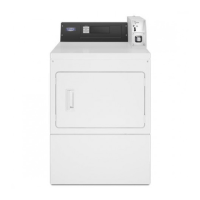
Wire connections on the auto transformer:
“L1LD” terminal is the blue wire
“LD” terminal is the black wire
See page 5-14 for the beige wire.
These three wires are disconnected
together from the three wire connector, in
the dryer, with Red, Black and Blue wires.
There is a schematic for the auto
transformer on the base of the dryer.
6.
LD Terminal
Black Wire
L1LD Terminal
Blue Wire
Gas Valve
Bracket Brace
Screws
2 of 4 1/4” Hex
Head Screws
3 Wire
Connector
Auto
Transformer
Schematic





 To Next Page