4-6
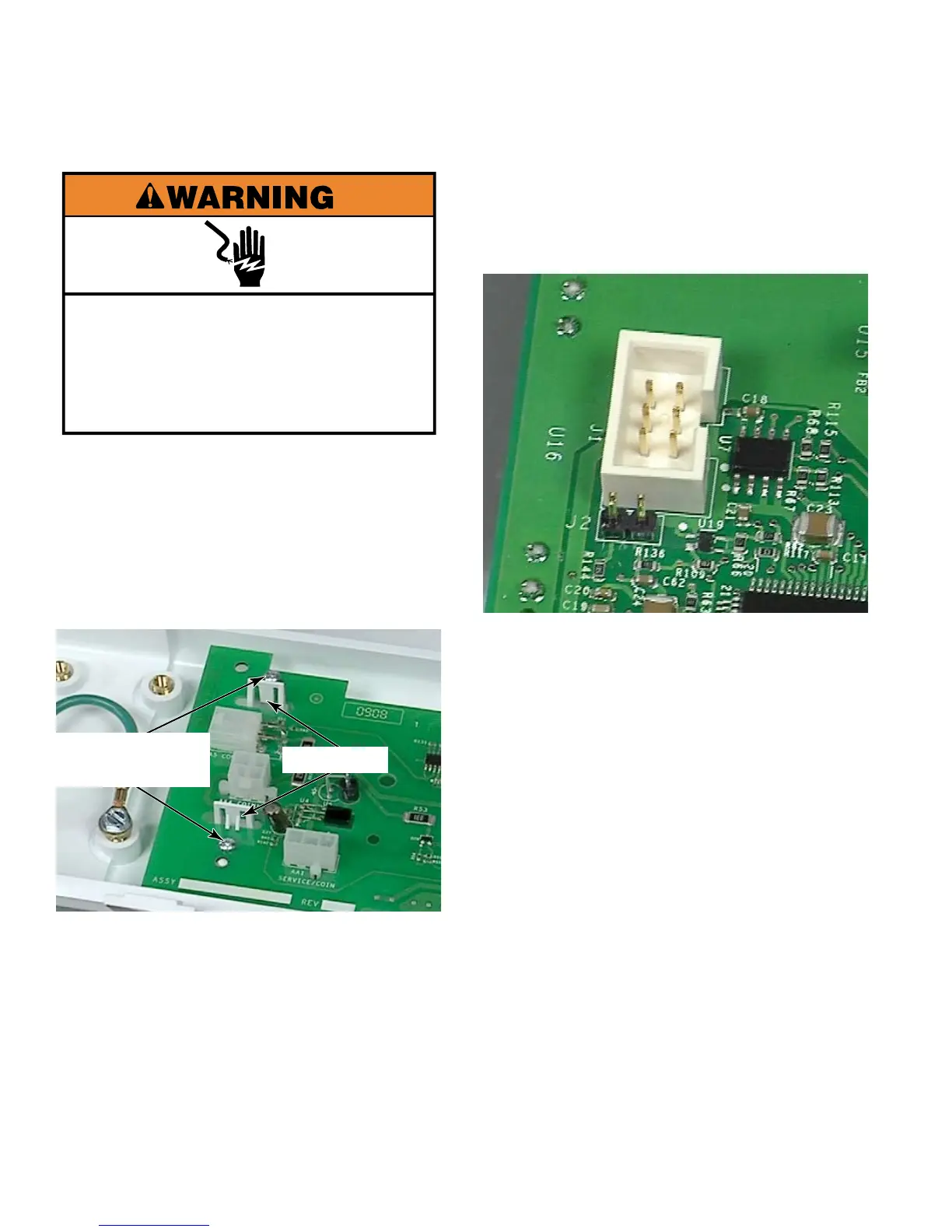
Electrical Shock Hazard
Disconnect power before servicing.
Replace all parts and panels before
operating.
Failure to do so can result in death or
electrical shock.
Remove control panel (See page 4-4).
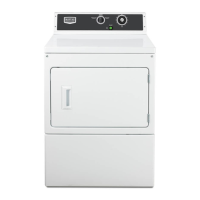
Remove two #1 star head screws from one
end of the UIC.
These screws attach to plastic
posts so make sure not to overtighten when
reinstalling control board.
Squeeze two tabs together and lift the board
up from the tab end. Remove control board
by sliding it out from under the edge where
the Rast connectors connect to it.
1.
2.
3.
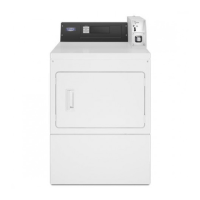
Connector J1 on the control
board is for programming software onto
the board. The jumper pins at J2 must be
jumped for reprogramming and left open
when in normal use.
Two #1 Star
Head Screws
Two Tabs





 To Next Page