100 of 271
6. Move the machine to the Head Up position Micro-step the needle the distance and direction de-
termined in the previous observation step.
7. Lower the needle to Needle Depth and check its position.
8. If further adjustment is needed, raise the machine to Head Up and repeat steps 5 thru 7.
9. If the needle is centered, hit the Frame-Back key and move to the next position.
10. Repeat this process for the remaining needles.
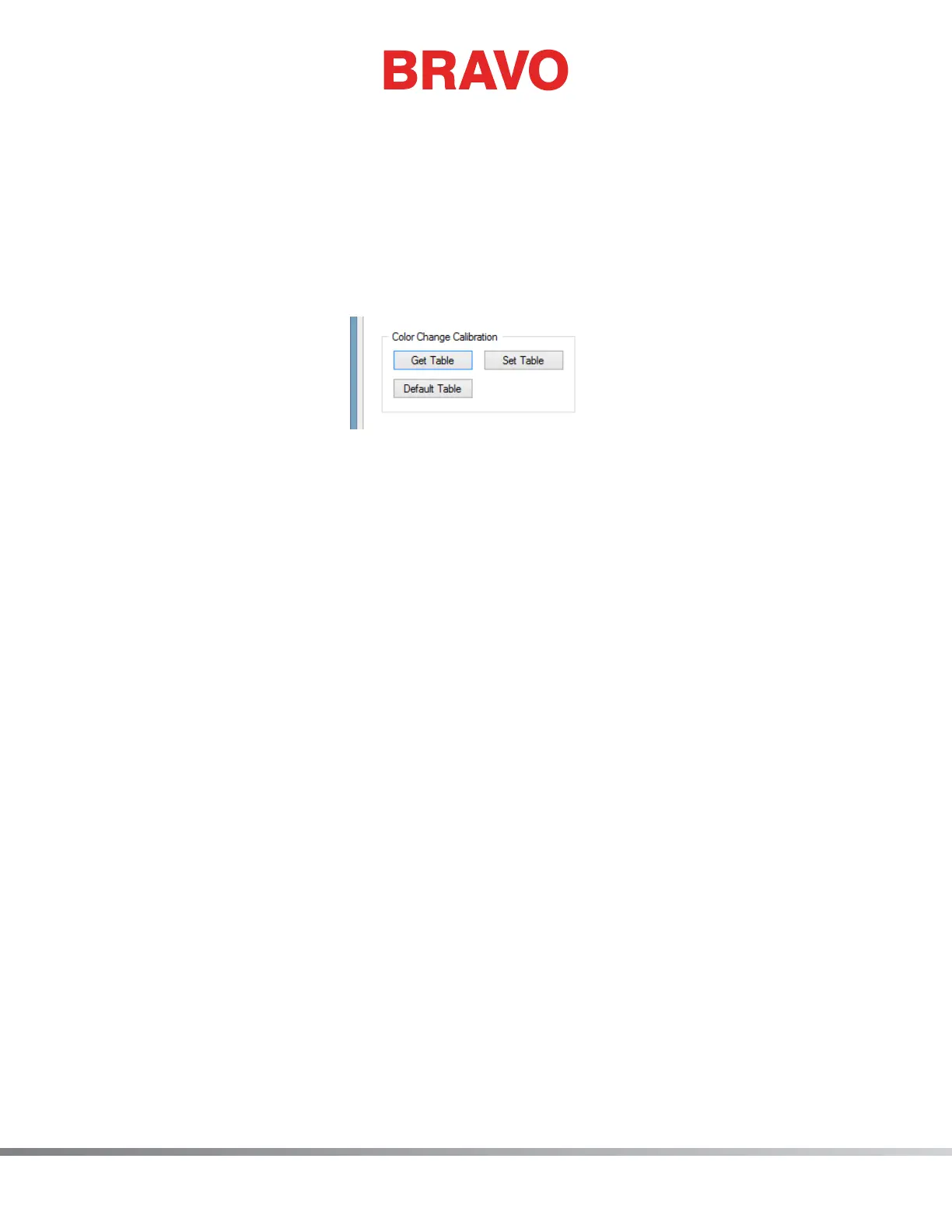
11. Upon completion of all 16 needles, hit the Get Table button in the Bravo OS as shown below.
Figure 5: Get Table Button
12. Close out the Maintenance menu in the Bravo OS as shown below.



 To Next Page