81 of 271
X-Cable Tension
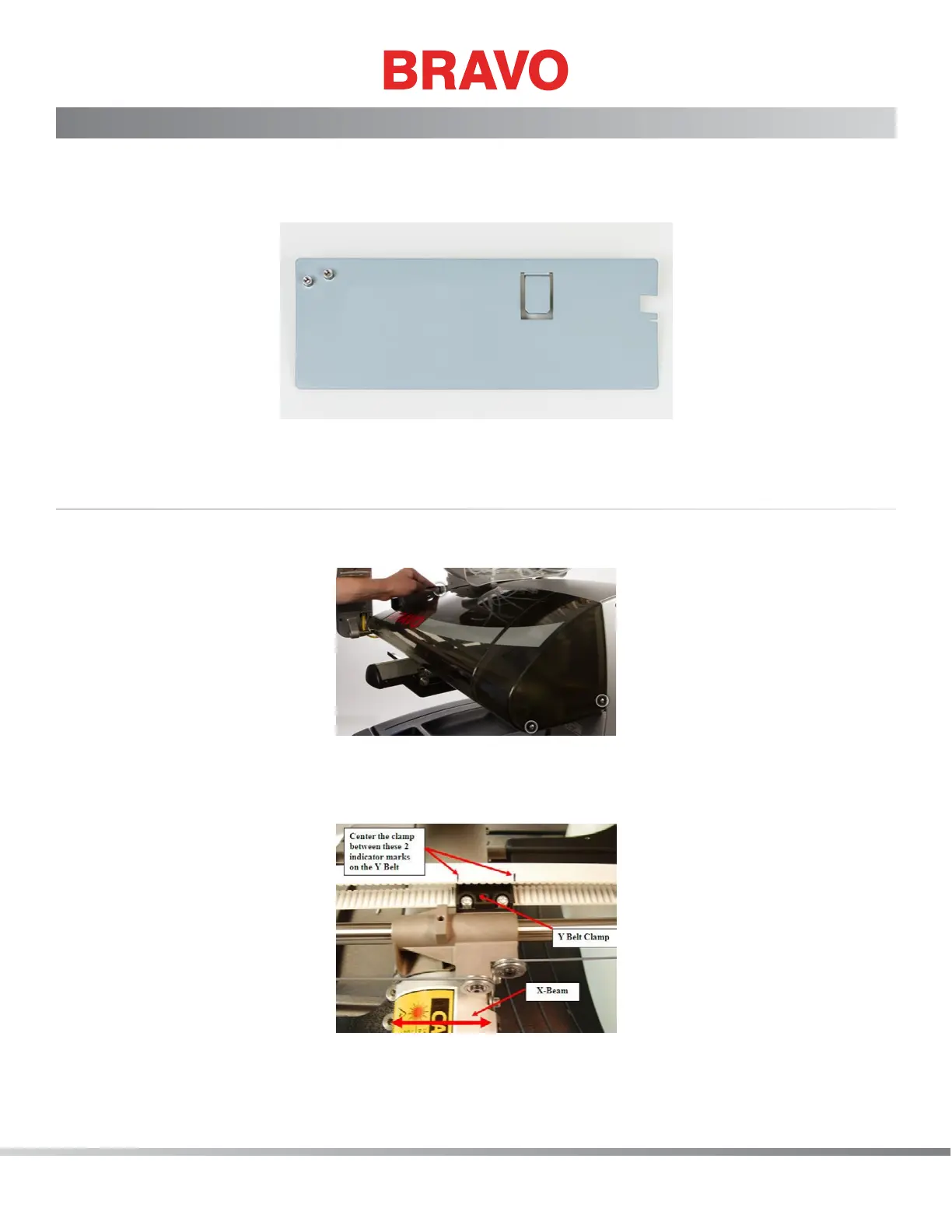
The following instructions will guide you through checking and, if necessary, adjusting the X-Cable
tension on your machine. The X-Cable Tension Gauge (PN 33909), shown in picture 1 below, is used to
indicate the permissible range for proper X-Cable tension.
Figure 1: X-Cable Tension Gauge, PN 33909
Determining if an X-Cable is Set to Required Specications
1. Remove the right Side Cover shown in picture 2 below. Using a 4mm bent Allen wrench, remove
the three indicated screws and carefully remove the Side Cover.
Figure 2: Removing the right cover
2. Center the Y Belt Clamp between the two black indicator marks on the Y Belt, as shown in picture
3 below, by moving the X-Beam forward or back.
Figure 3: Centering the X-Beam
3. Move the X-Carriage left or right until the two screws indicated in picture 4 below are centered to
the Lower Arm.



 To Next Page