102 of 271
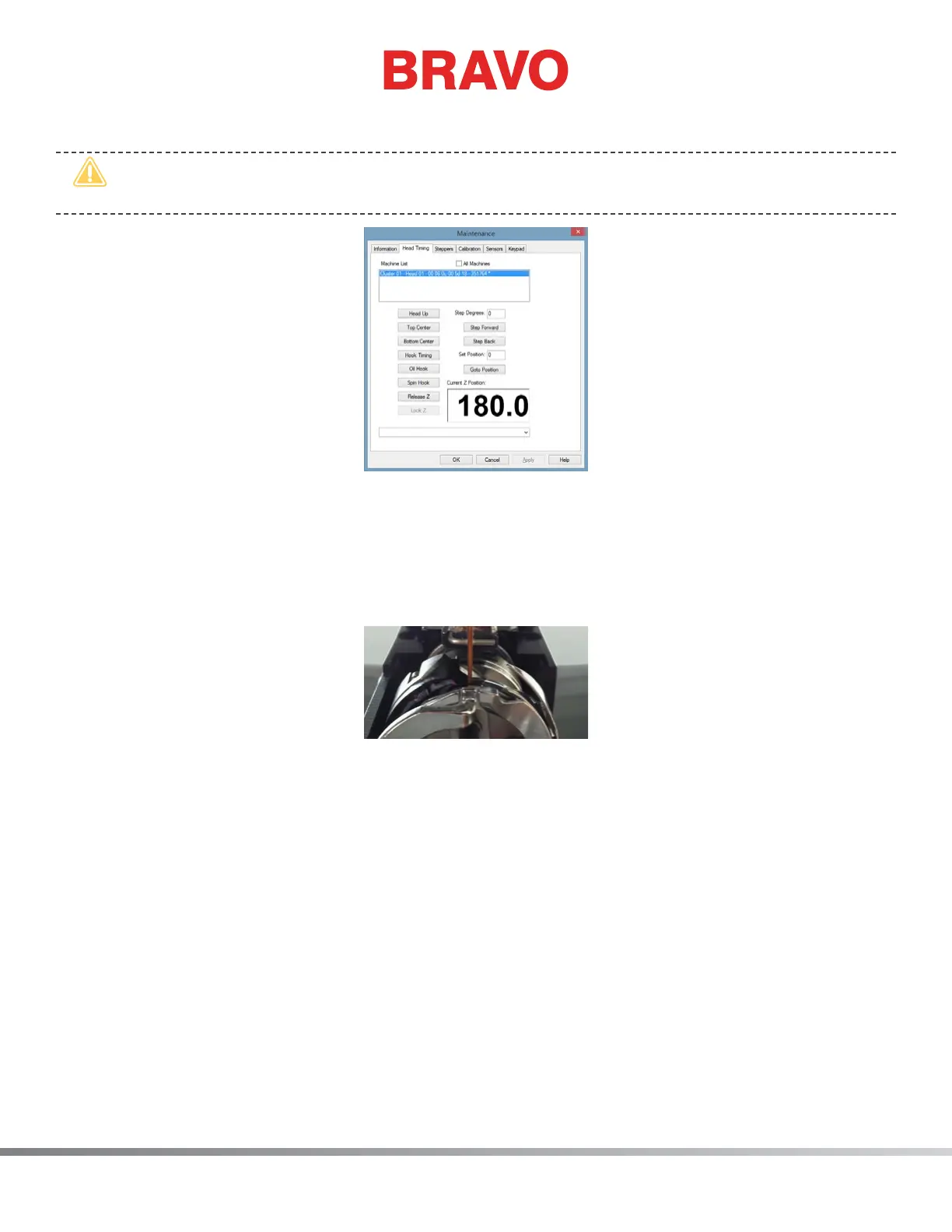
4. Click the button labeled Bottom Center.
•
CAUTION: The needle will move without any on-screen prompting when you are in the
Maintenance Menu.
Figure 3 – Head Timing Tab
5. Inspect the left-to-right position of the tip of the hook support (the portion of the hook support
that is positioned inside the notch of the rotary hook – see Fig. 5) as it aligns to the needle. It
should be centered left-to-right. If not, it may be necessary to bend the hook support to the cor-
rect alignment by hand (without tools), being careful not to scratch the highly polished surface. If
this is not possible, you may need to replace the hook support (PN: 33046).
Figure 4 – Hook Support Position Left-to-Right
6. Once the left-to-right position of the hook support is correct, click the Head Up button and then
click OK.
7. Insert the retaining nger gauge between the hook support and the hook basket.



 To Next Page