167 of 271
User Interface Assembly Replacement
•
The user interface assembly has no user or eld serviceable parts inside. DO NOT disassemble
the user interface assembly if it is to be sent back as a warranty part return.
Repair Parts Needed:
• User Interface Assembly
Replacement Procedure
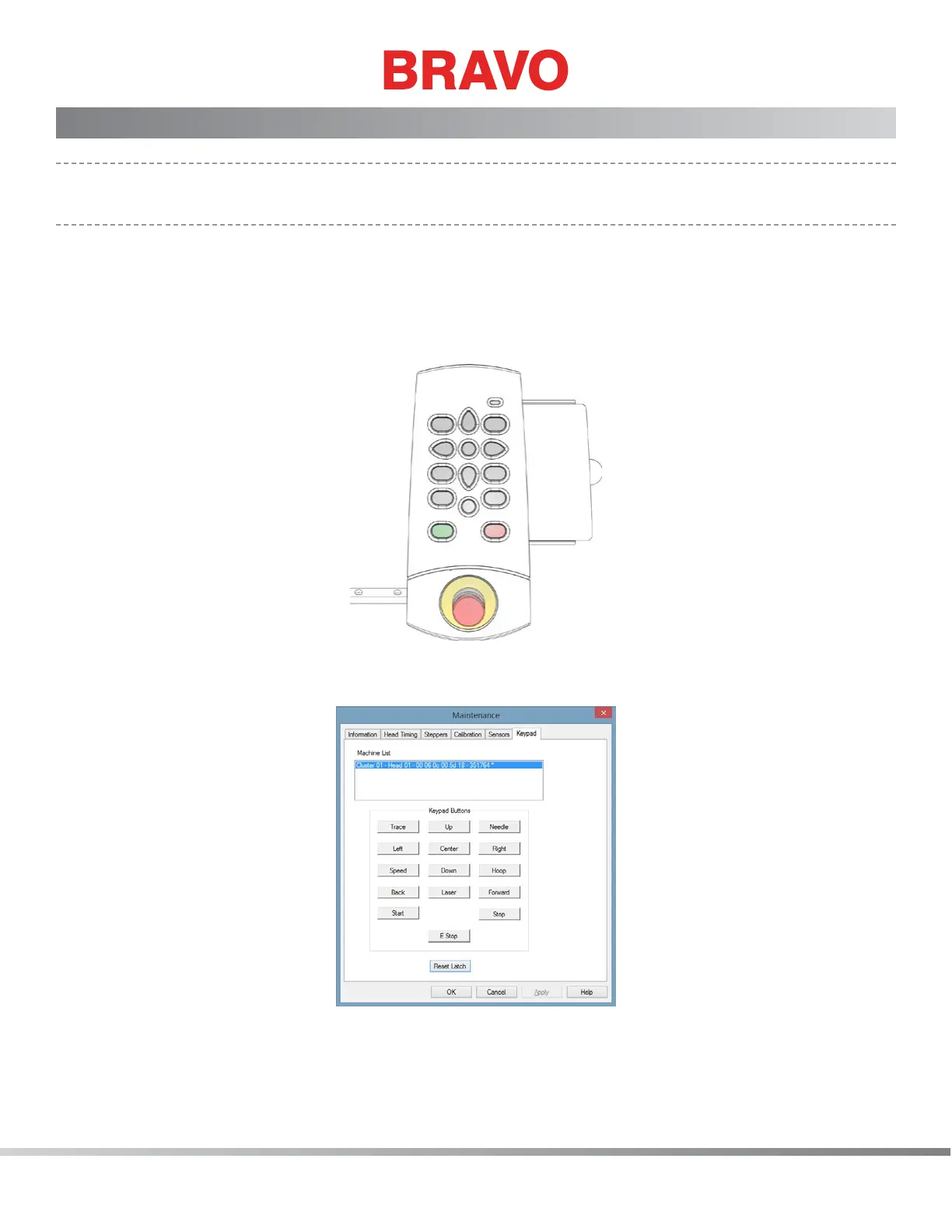
Figure 1 - User Interface
1. Turn the machine ON and then start the software.
Figure 2 - Keypad Submenu
2. Click on “Tools>Maintenance” and then on the “Keypad” tab in the Maintenance Menu
screen. This immediately puts the machine in the test mode, purely for testing the keypad



 To Next Page