71 of 271
Thread Clamp Replacement
1. Disconnect the A/C power input cord and the external Ethernet cable from the back of the
machine.
2. Remove needle plate
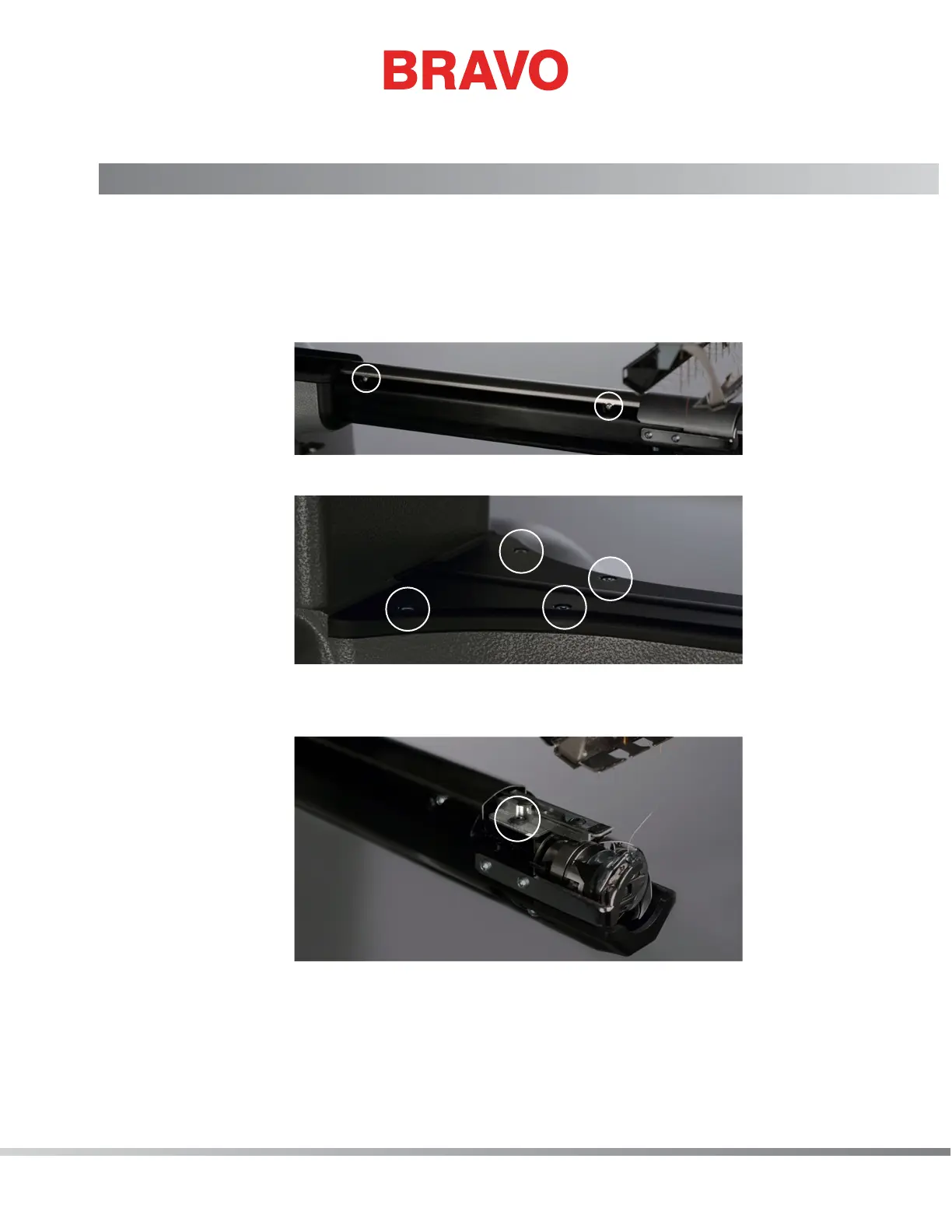
3. Loosen lower arm extrusion cover (4 M3 cap head screws, 2 on the right and 2 on the left) and
remove cover
4. Remove lower arm casting top cover (4 M4 socket head cap screws)
5. Disconnect the thread clamp solenoid assembly harness
6. Remove the thread clamp assembly mounting screw (M3 cap screw)
7. Remove thread clamp assembly
8. Follow steps 2-6 in reverse order for installation



 To Next Page