252 of 271
X-Axis Failures
The x-axis motion on the machine is controlled through the electronics, a system of pulleys and a cable.
The motor driver on the Main PCB will send certain commands to the X-axis servo motor. Feedback to
the Main PCB is provided by the motor encoder and the X-home sensor. These devices tell the Main PCB
where the motor is at during embroidering.
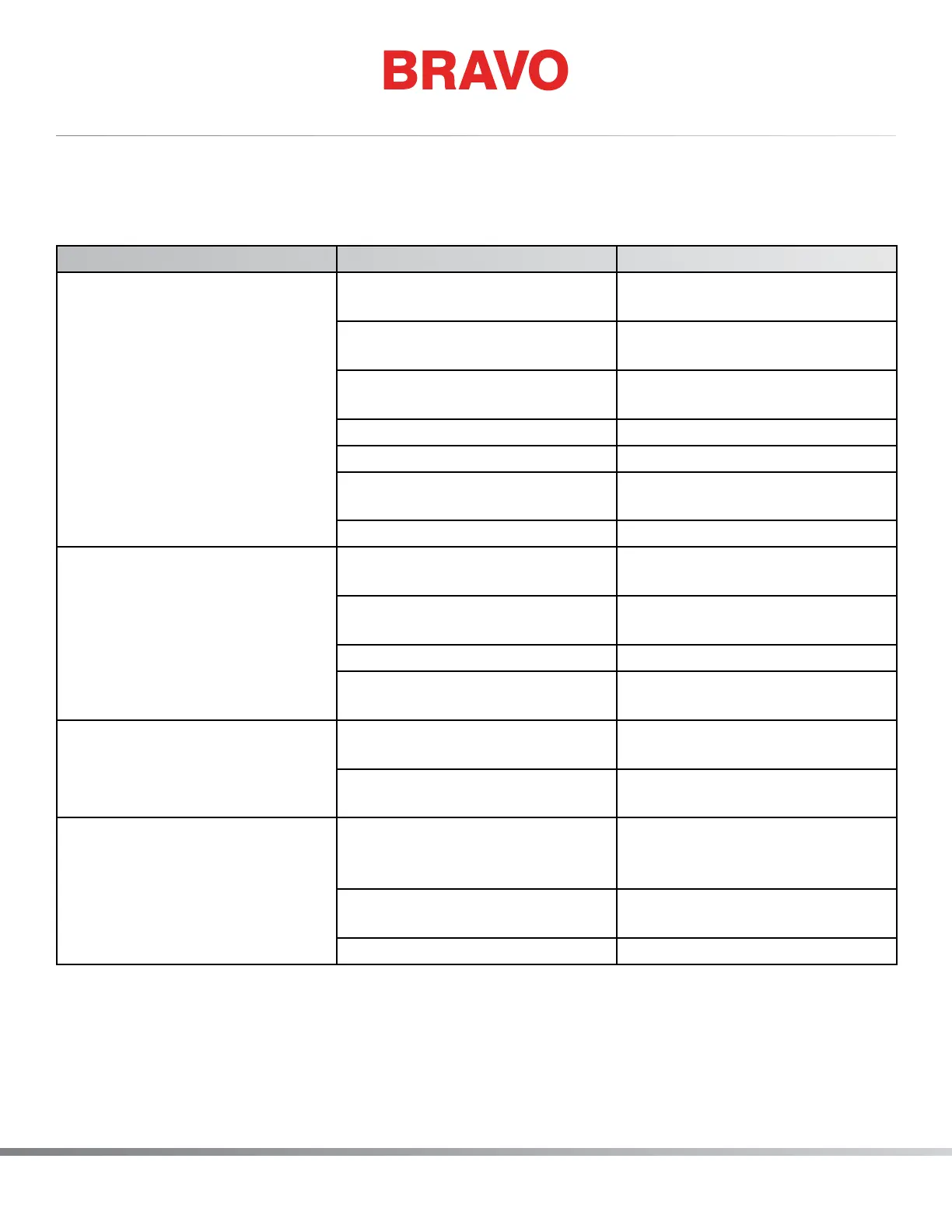
Problem Possible Causes Solution
Binding in x-axis or jumpy, un-
even movement of the x-carriage
Improper Adjustment of x-car-
riage linear bearings
Adjust the radial bearings on the
x-carriage assembly
Lack of lubrication on the car-
riage rails in the x-beam
Lubricate the carriage rails
Fretting corrosion of the x-rails Replace the x-beam and the
bearings on the carriage
X-cable tension too high Adjust x-cable tension
Damaged x-cable Replace the x-cable
Damaged bearing(s) Replace the radial bearings on
top of the x-carriage
Damaged pulley Replace the damaged pulley.
Excess noise when carriage
moves
Lack of lubrication to the carriage
rails
Lubricate the carriage rails
Improper adjustment of the
x-carriage linear bearings
Adjust the linear bearings
Cable tension too high Adjust x-cable tension
Fretting corrosion of the carriage
rails
Replace the x-beam and the
bearings on the carriage
X-axis runaway Connection at motor encoder
reversed
Reconnect the interface harness
to the x-motor correctly
Short in either the x/y home har-
ness or the motor interface cable
Replace the defective harness
Can not nd home X/Y Home Not Set message will
appear in the software message
text box
Set x/y home
Dirty or damaged sensor Clean or replace the x-home op-
tical switch assembly.
Loose harness connection Reconnect the harness



 To Next Page