241 of 271
Electrical Failures
AC Power Failure
The AC power input to the machine is fused at the power input switch/connector. There are two fuses
located in the Power Input Switch between the power switch and the power input connector. The follow-
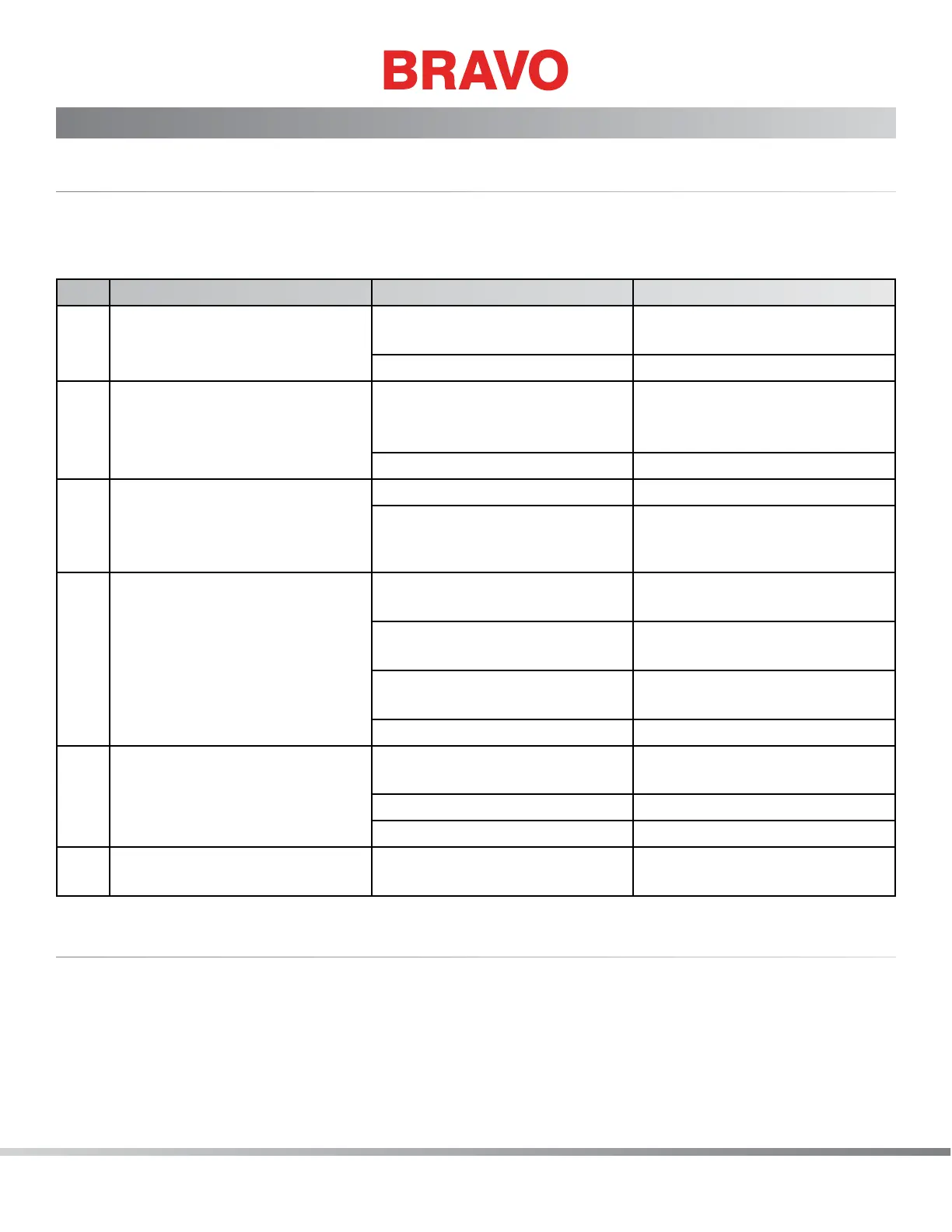
ing troubleshooting chart will help you diagnose most AC power failure issues.
Step Symptom/Procedure Condition Solution/Step
1 No AC power to the machine.
Nothing happens when the
machine is turned on.
Machine is not plugged in Plug in the machine power
cord
Machine is plugged in Go to Step 2
2 Check the power from the wall
power supply outlet
No or low power from wall
power supply
Troubleshoot the electrical wall
outlet or contact a local electri-
cian to make the repairs.
Wall power good Go to Step 3
3 Check the fuses located in the
fuse block between the power
input switch and the power
input connector.
Fuses bad Replace the fuses
Fuses good Go to Step 4
4 Conduct power supply test to
verify condition of power sup-
ply assembly.
No 36V output from power
supply but power input is good
Replace power supply unit
No or low AC input to Power
Supply Unit
Replace Switch
Intermittent failure in power
input to Power Supply Unit
Replace Switch
Power Supply good Go to Step 5
5 Remove the base cover and
observe the LEDs on the main
PCB.
5V LED at location D43 off,
15V LED at location D32 off
Replace main PCB
No LEDs ashing Replace main PCB
LEDs all operating properly Go to Step 6
6 Above steps do not detect the
problem.
Contact Technical Support
Color Change Failures
The machine color change is controlled through the use of an encoder, a stepper motor, the controller
chip on the Main PCB and the software. The Bravo OS will usually give an indication of what the actual
failure is. The encoder and the color send a signal through the harness to the Main PCB and the status is
reported by the rmware to the Bravo OS, and then displayed on the computer screen.



 To Next Page