195 of 271
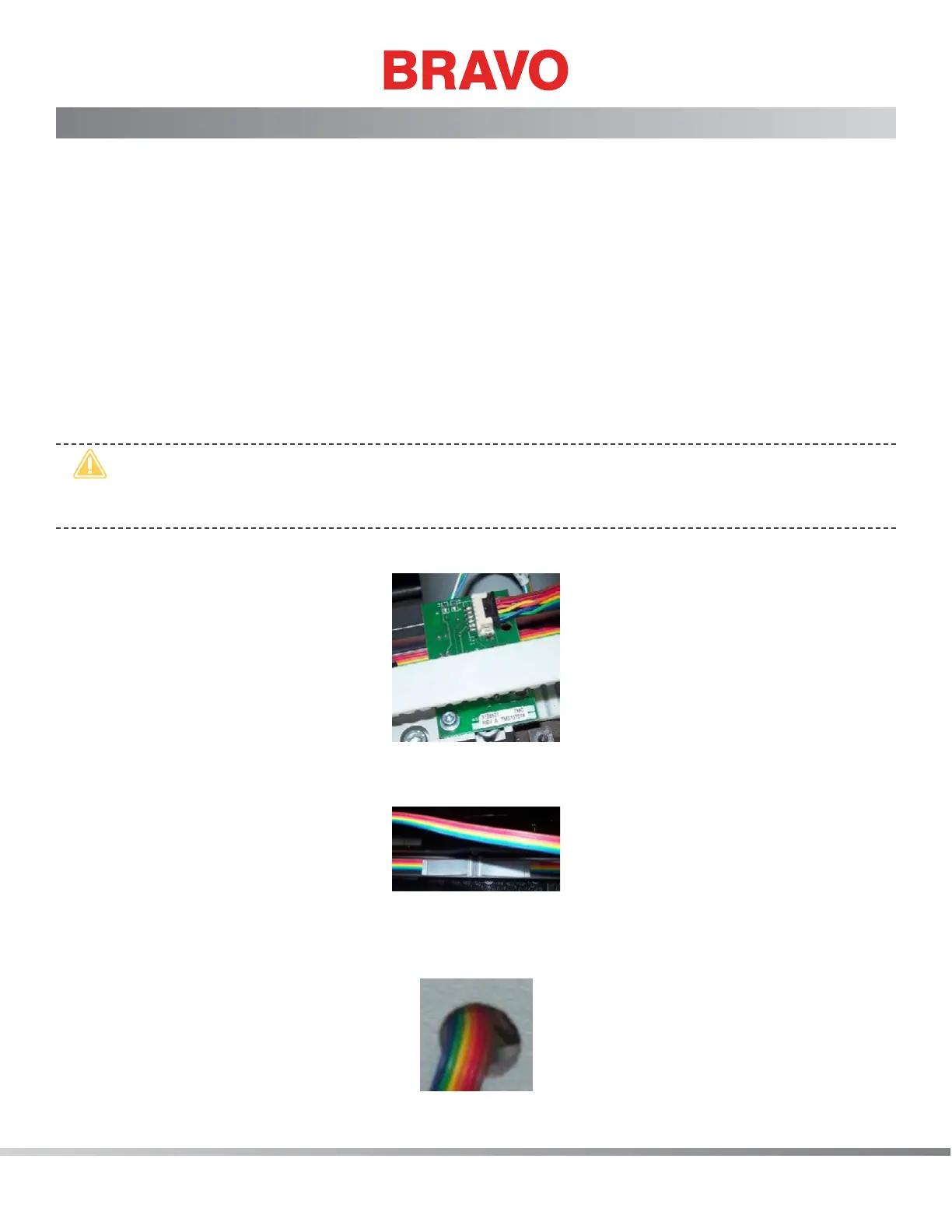
X/Y Home Harness
The x/y home harness (rainbow colored ribbon cable) connects the x/y home PCB to the Main PCB at con-
nector location J3.
Replacement Parts Needed:
• harness, x/y home
• twist-lock cable ties (available at most hardware stores in the electrical section)
Replacement Procedures:
1. Turn the machine OFF.
2. Remove the left arm cover and the back screw of the right one.
•
CAUTION!! Use extreme care not to drop metallic objects, tools, or other conductive material
on the Main PCB when you have the base cover removed. If you drop such objects on the Main
PCB, it can severely damage the electronics which will be very expensive to repair.
3. Remove the upper arm back cover, the base cover and the lower arm rear cover.
Figure 1 - Connection at X/Y Home PCB
4. Disconnect the x/y home harness from the x/y home PCB (mounted to the left y-belt clamp).
Figure 2 - Retaining Clip in Channel of Y-Home Flag
5. Gently pry the retaining clip out of the channel in the y-home ag, being careful not to damage
the x/y home harness any further.
Figure 3 - X/Y Home Harness Access Hole



 To Next Page