36 of 271
Software Maintenance Menus
In order to access the maintenance menus in the software, the machine must be turned on and software
must be loaded and launched.
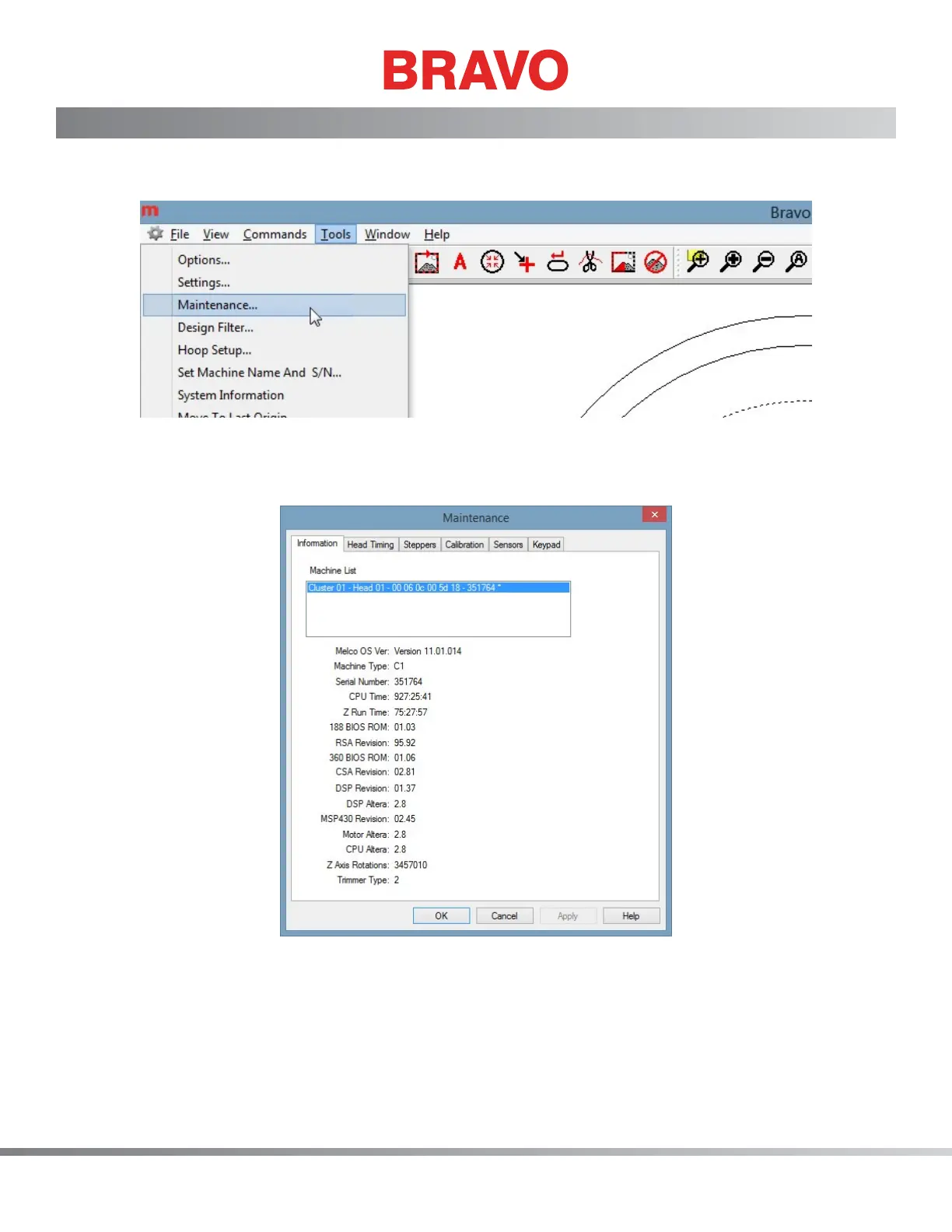
Figure 1 - Software Main Menu
To access the maintenance menu, select the “Tools>Maintenance” from the main menu. The screen be-
low will open.
Figure 2 - Maintenance Menu



 To Next Page